ClickUp (Cloud)
Leave ClickUp. Keep the record.
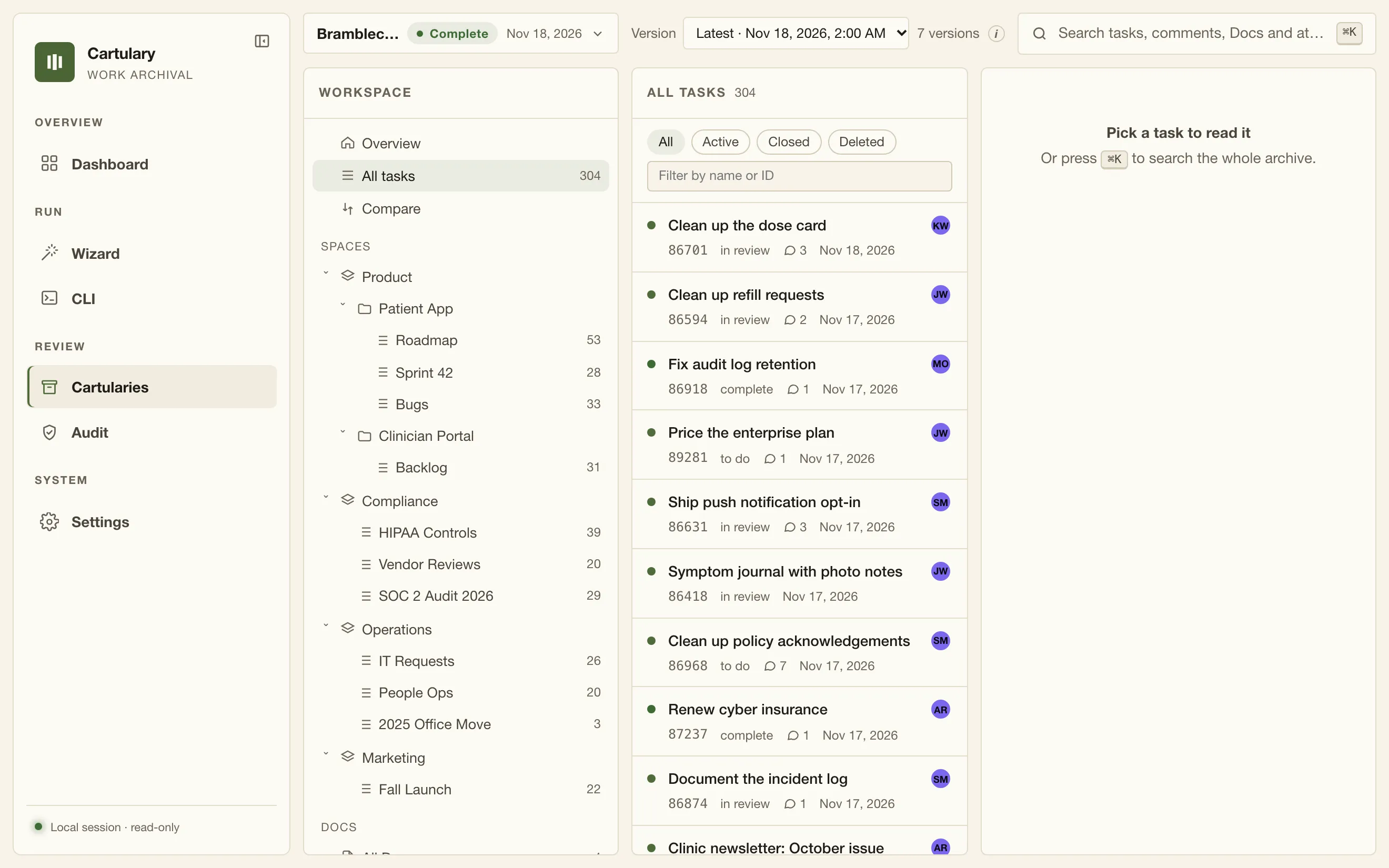
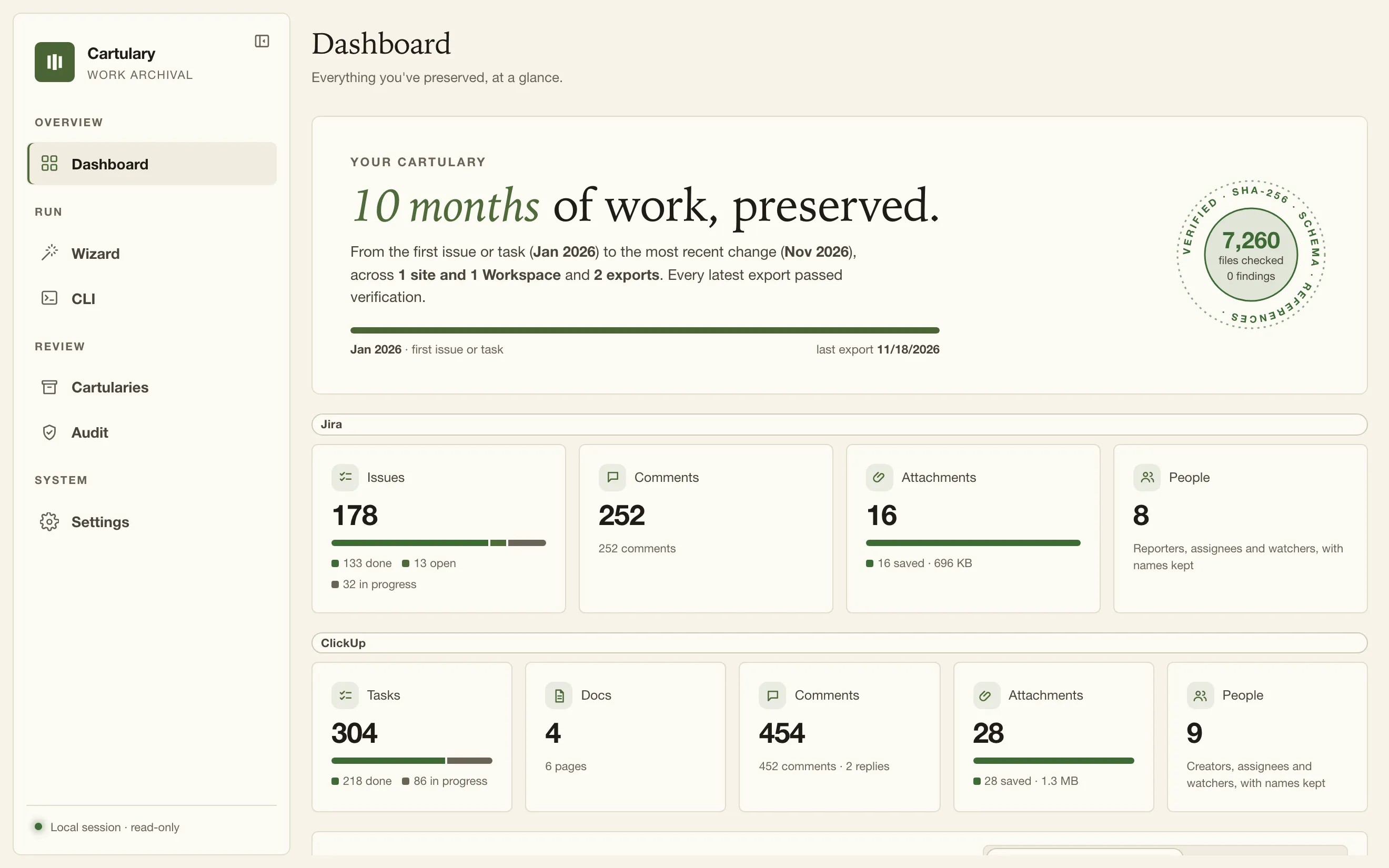
Cartulary makes a complete, sealed, searchable copy of your ClickUp Workspace on your own disk, whether you’re leaving ClickUp or keeping a verifiable record while you stay.
In ClickUp’s own words.
Cartulary speaks the terms you already use:
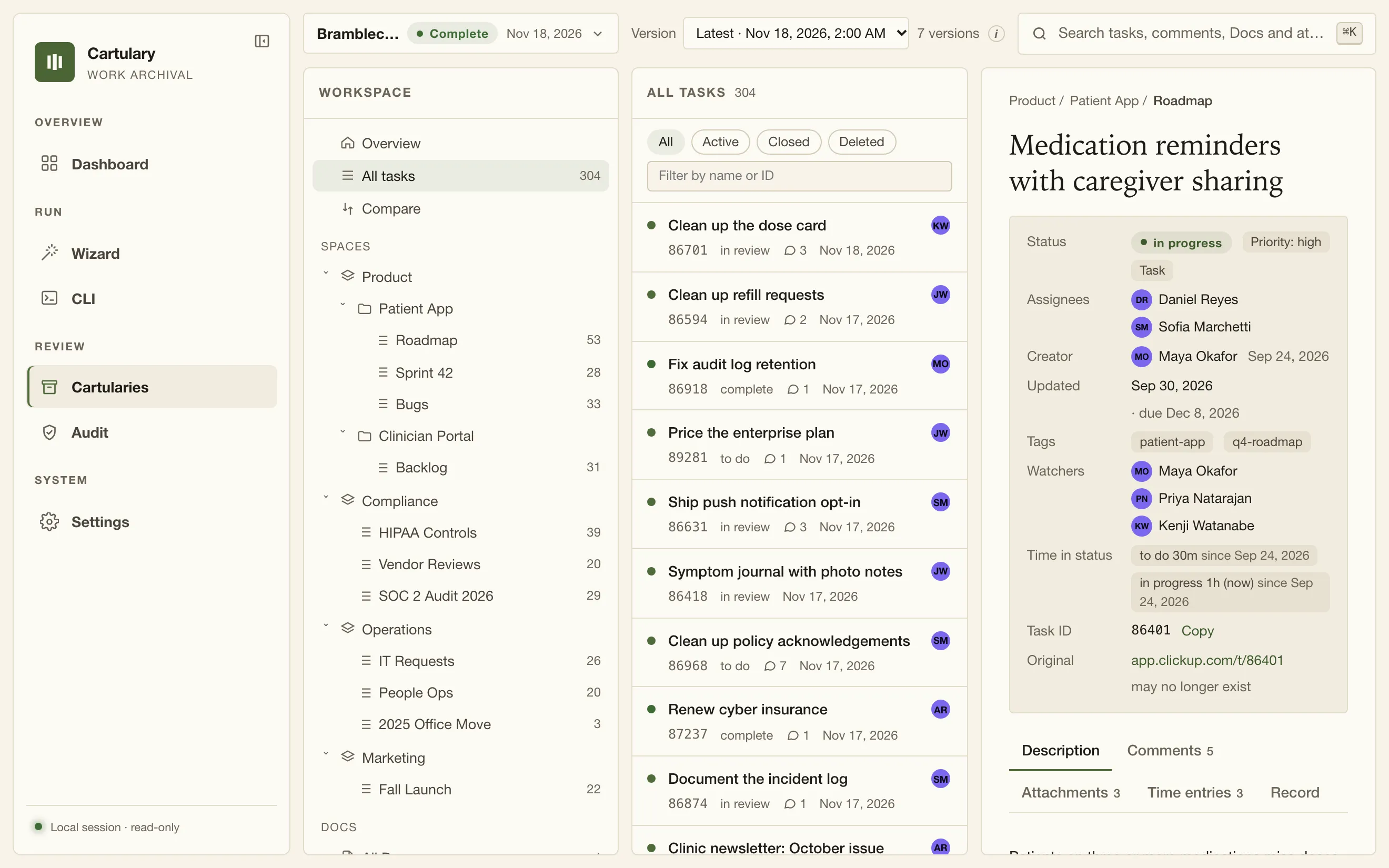
- Workspace
- Space
- Folder
- List
- task
- Doc
- page
What it captures.
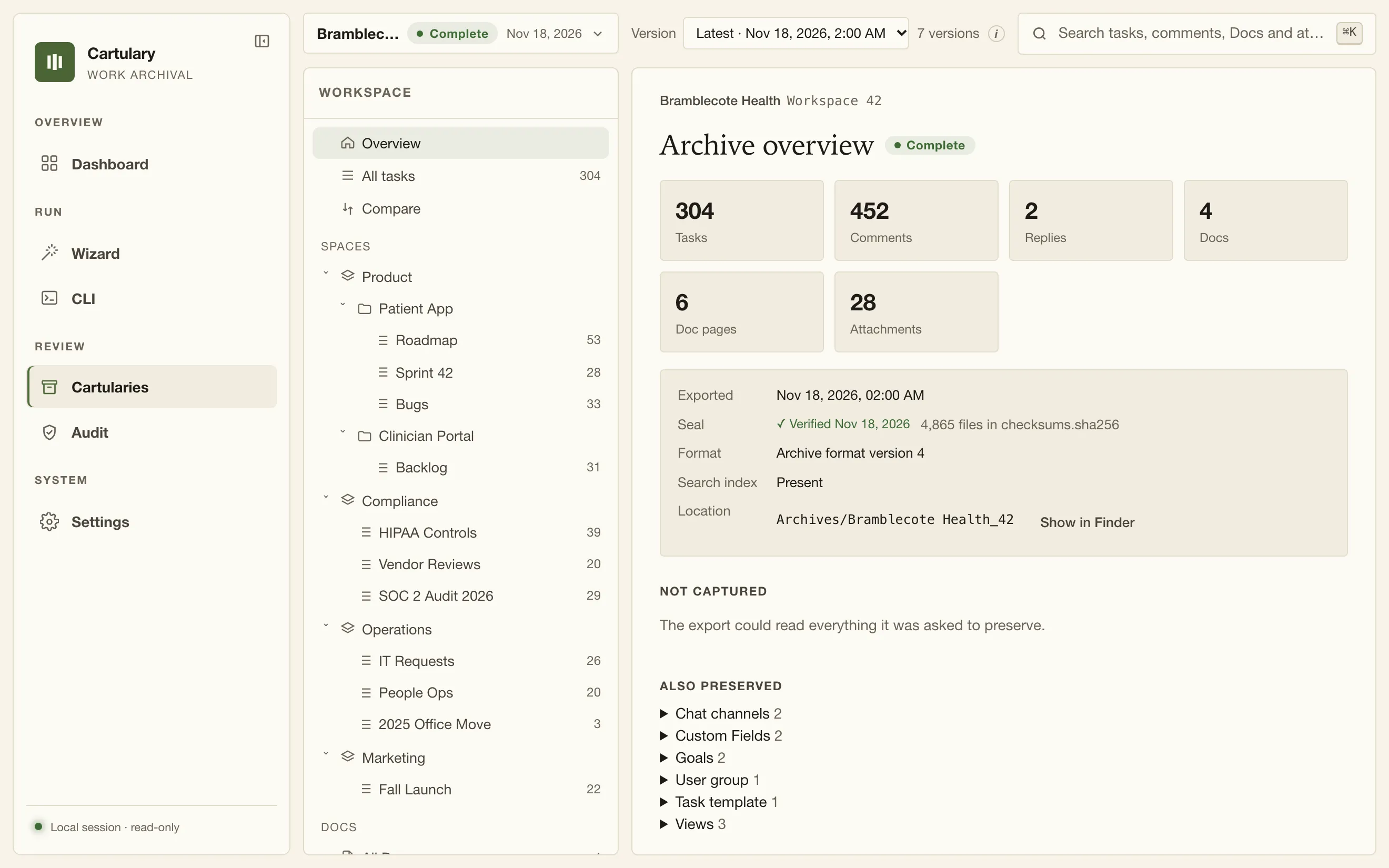
- Spaces, Folders and Lists, with their statuses, views and Custom Field definitions
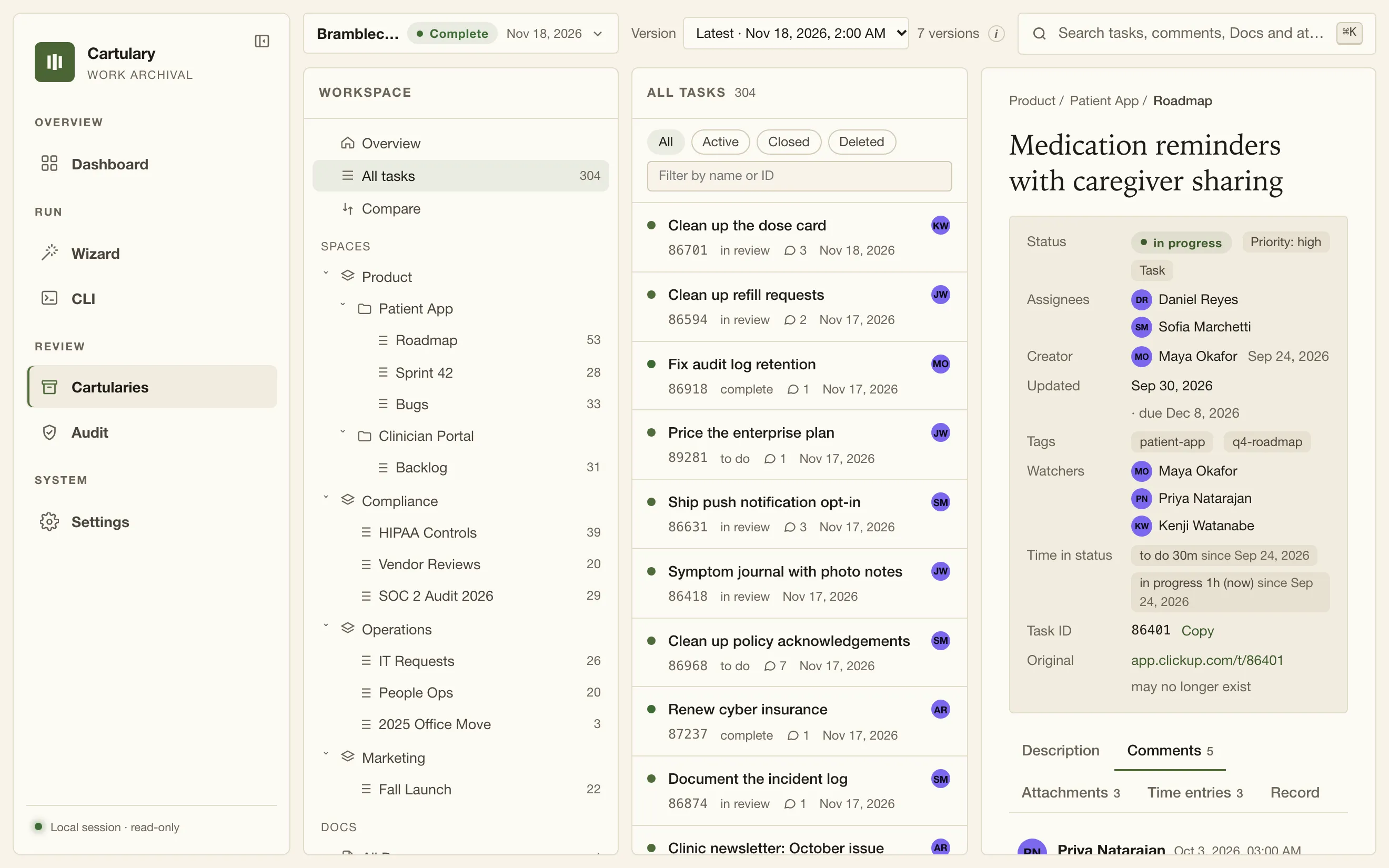
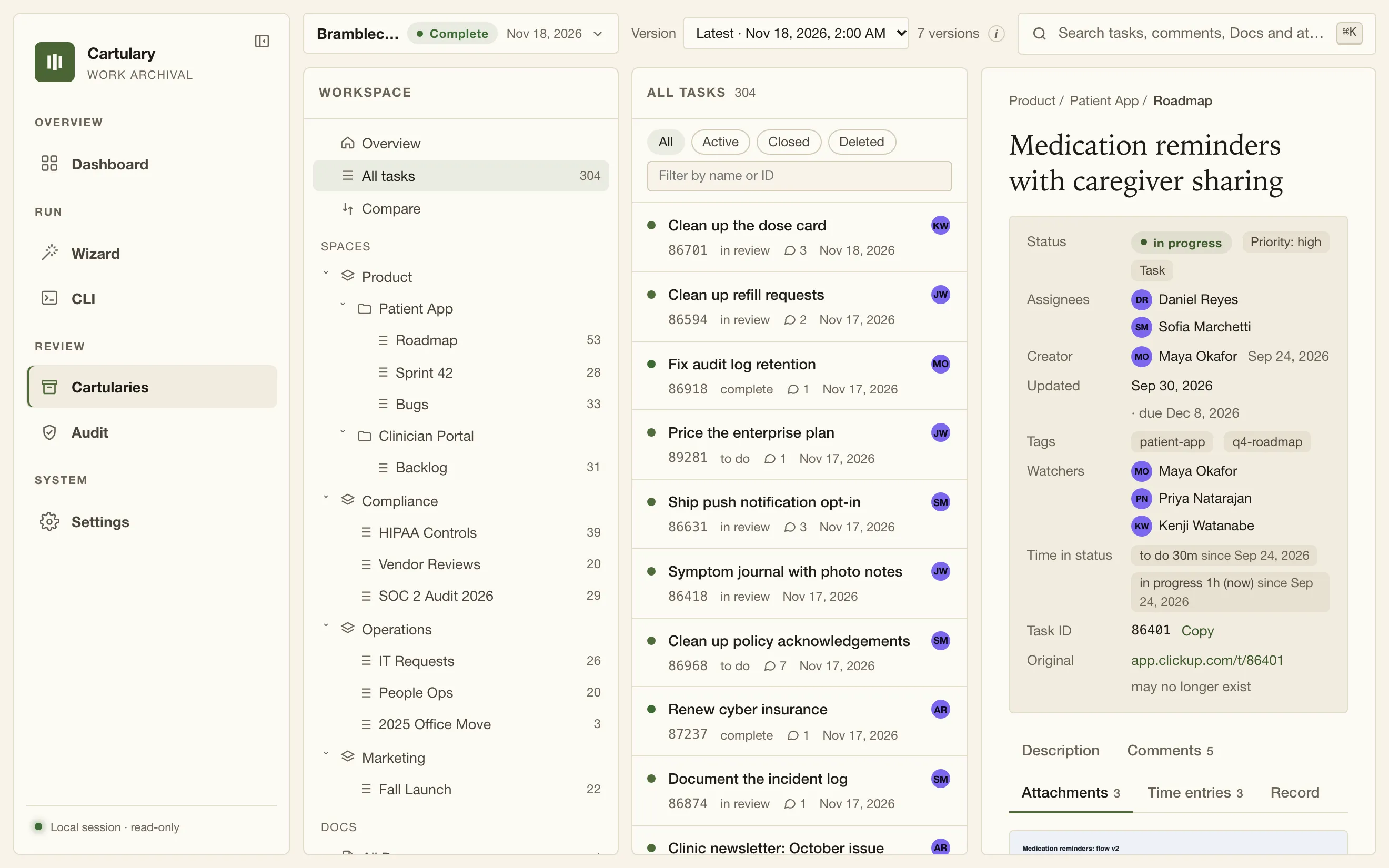
- Open, closed and archived tasks and subtasks, with custom fields, checklists, dependencies and time in status
- Every page of comments and every threaded reply, List comments too
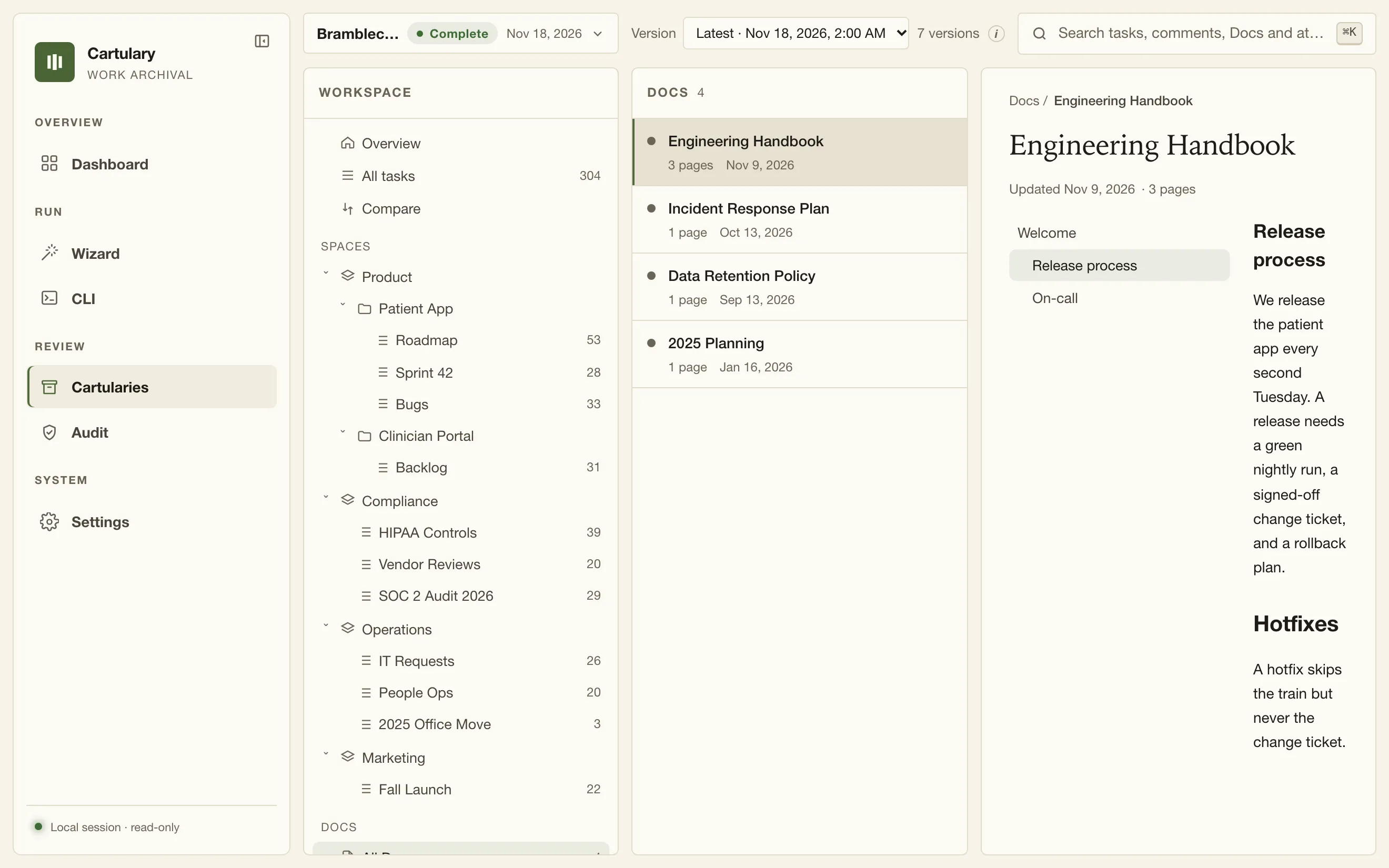
- Docs and their pages, including archived Docs
- Chat channels and DMs the connected account can see: messages, replies and reactions
- Time entries, Goals and task templates
- The actual files: on tasks, in comments, and pasted into descriptions and Docs, downloaded and hashed
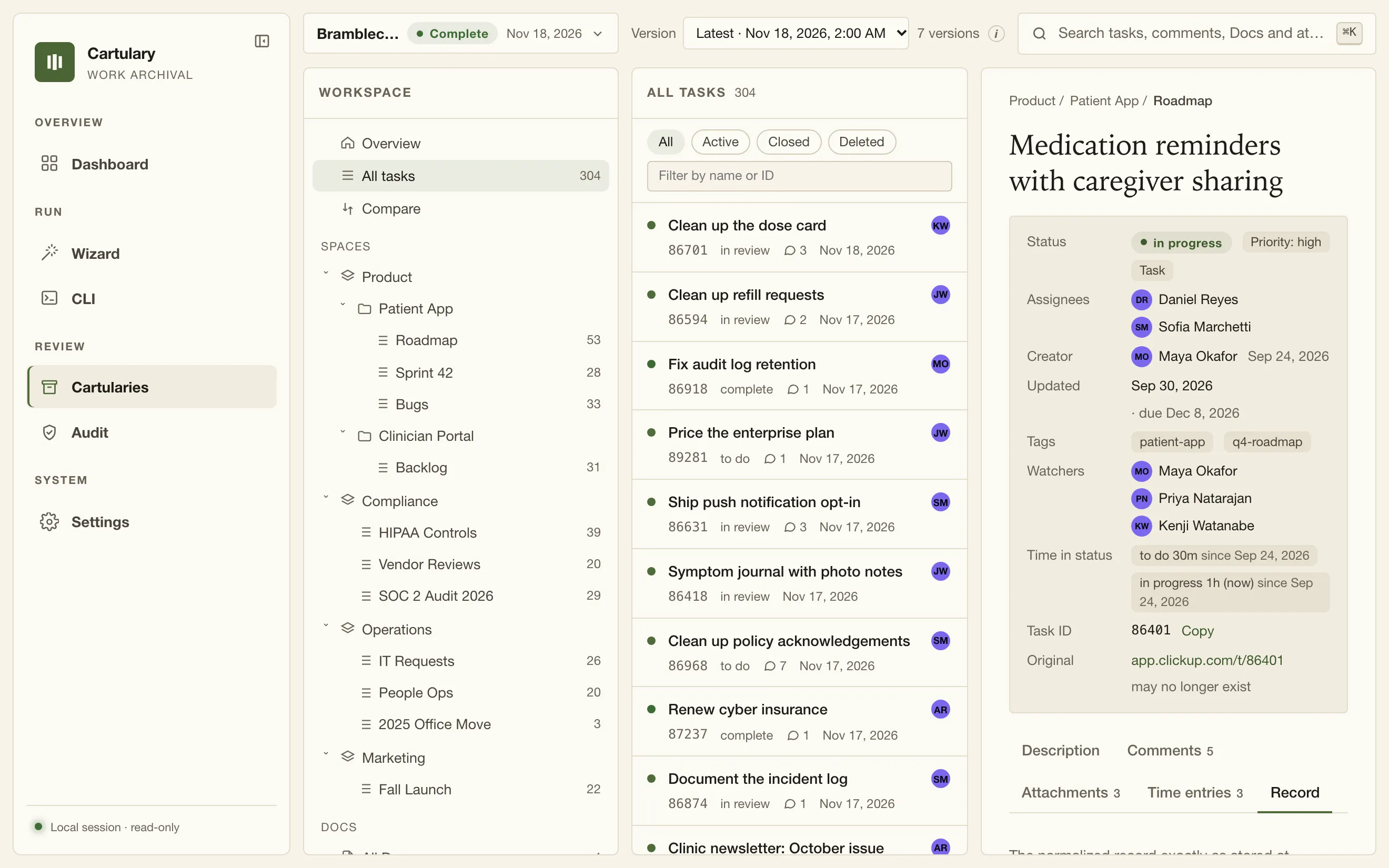
- Members, guests and groups, and the original API responses, credentials removed
What it leaves out.
- Whiteboards, Dashboards, Form definitions, Automations and Reminders (not in ClickUp’s API; Form submissions are tasks, and are kept)
- Task activity history and comments on Doc pages (no API; time in status is kept instead)
- Whom a single task is shared with directly
- Restoring into ClickUp: Cartulary only reads from it
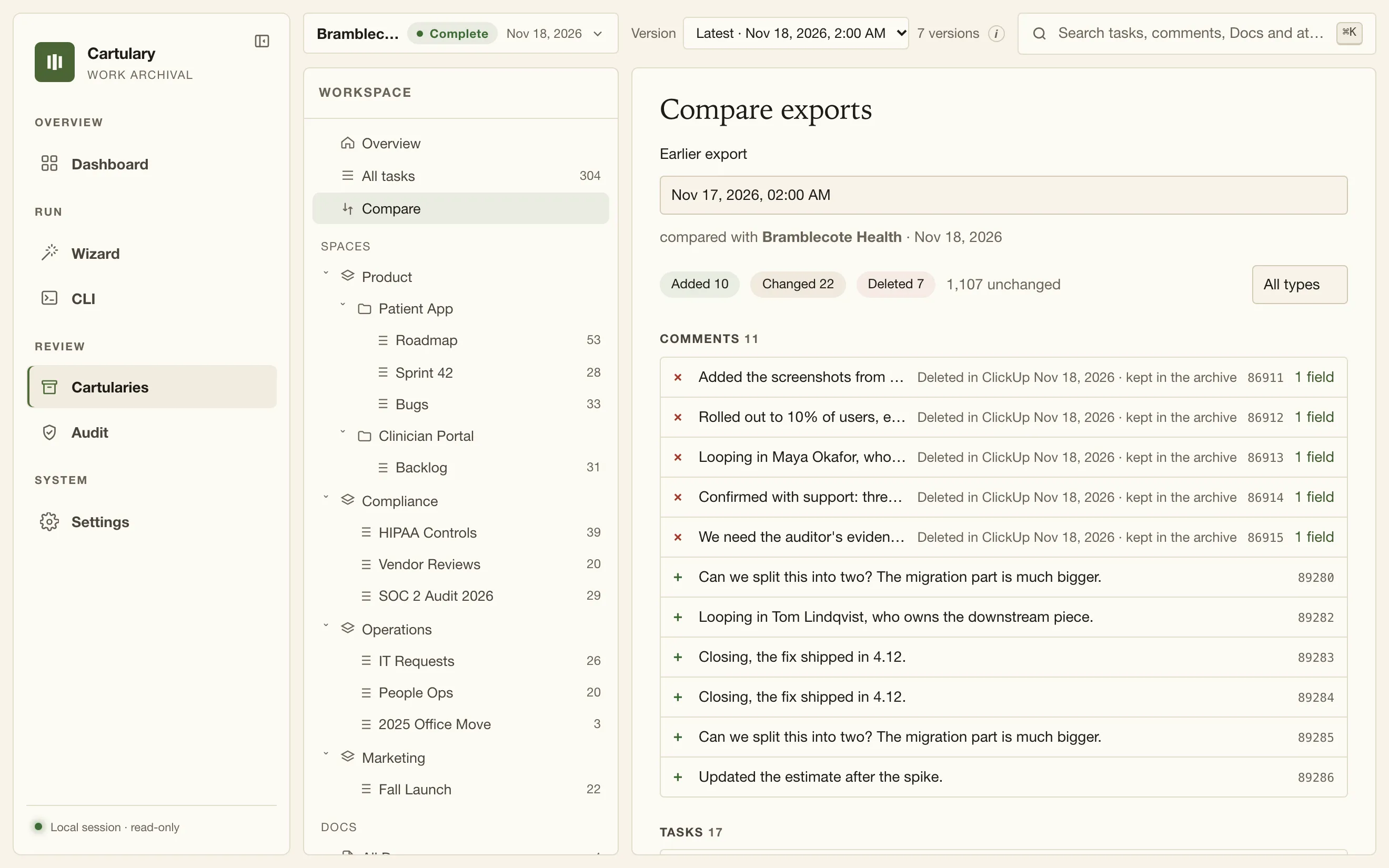
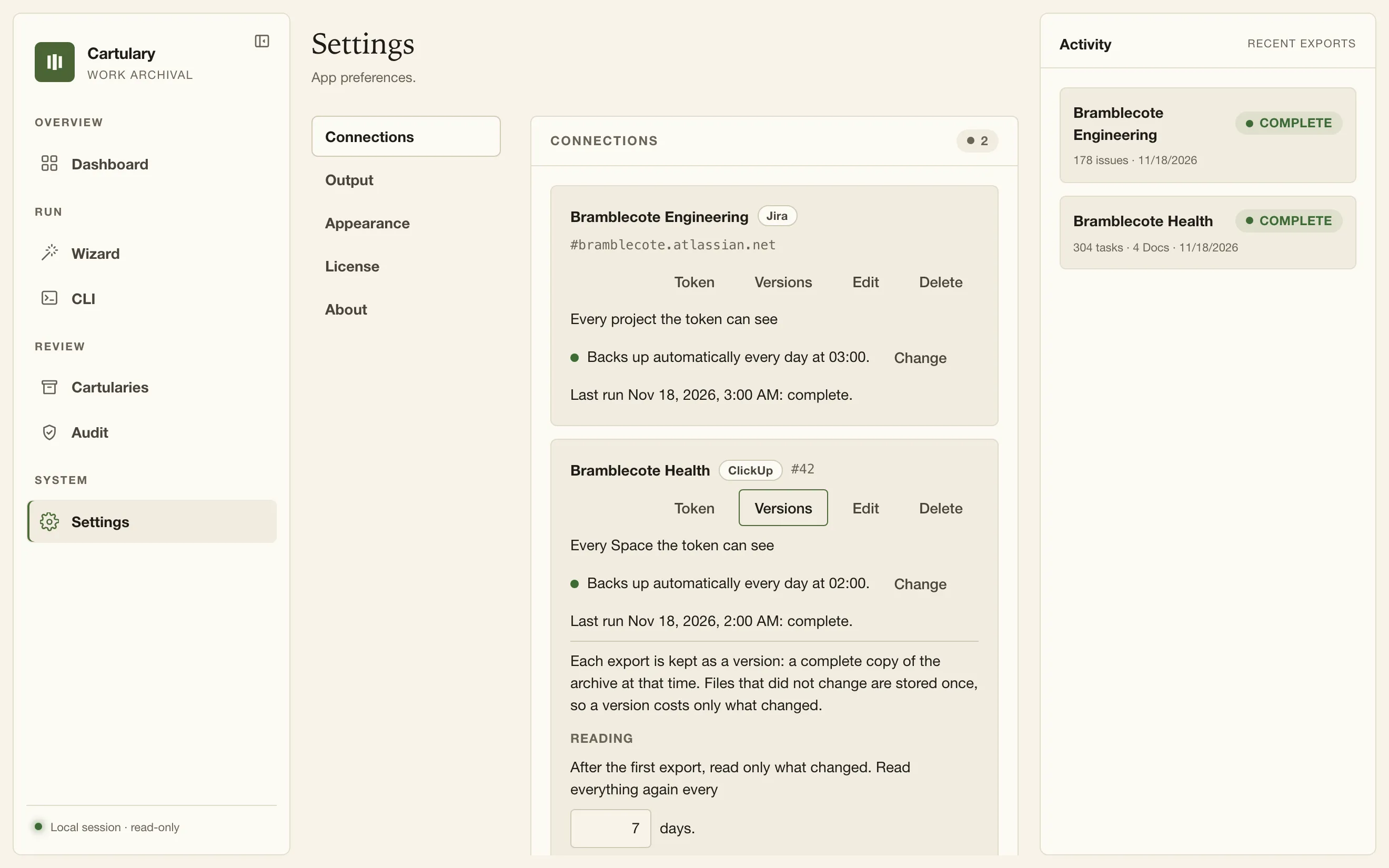
Later ClickUp exports read only what changed since the last version, so repeat exports are fast.
Comparing with ClickUp's own export? Read what ClickUp's export includes, and what it leaves out.
Preserve the record without leaving.
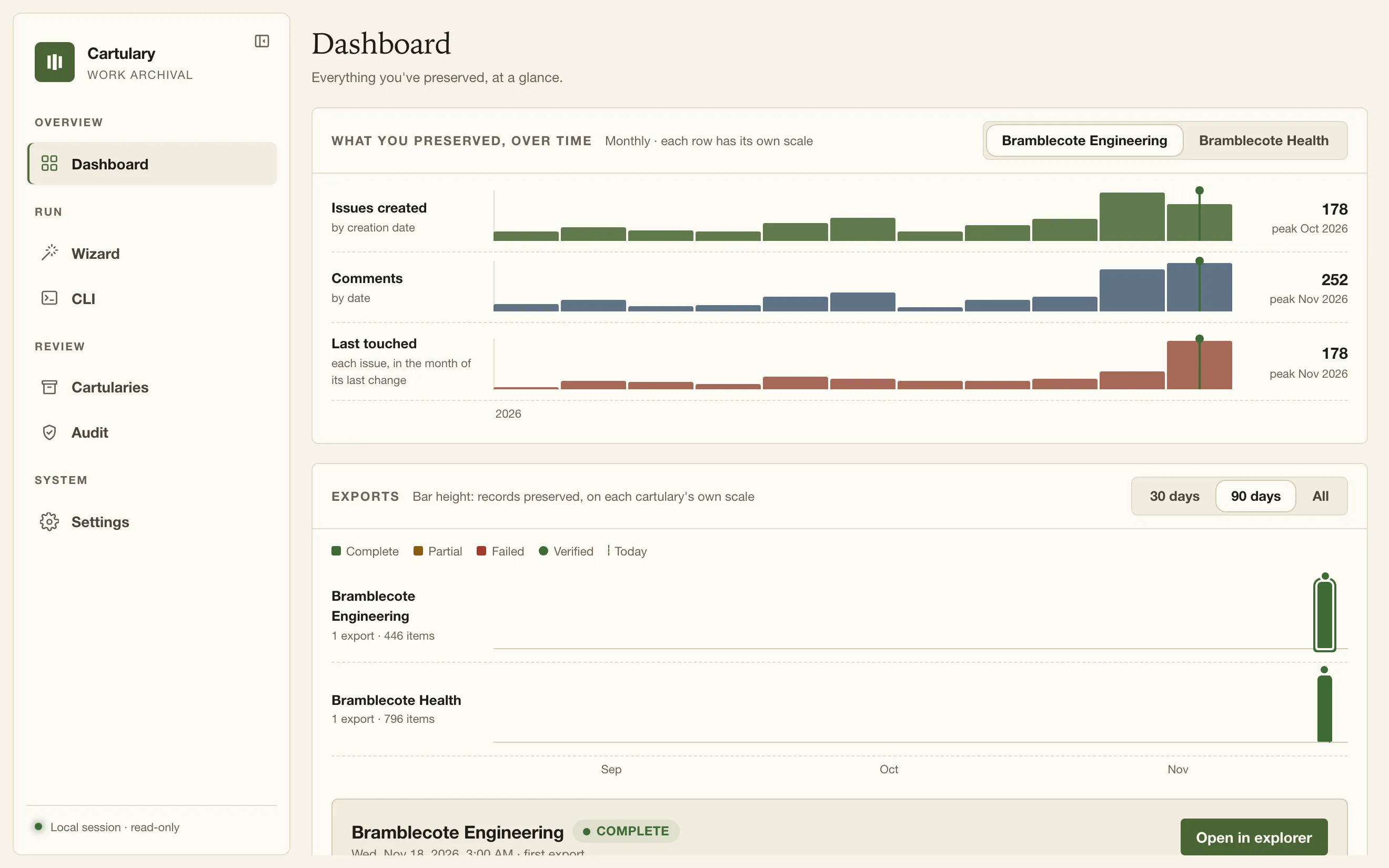
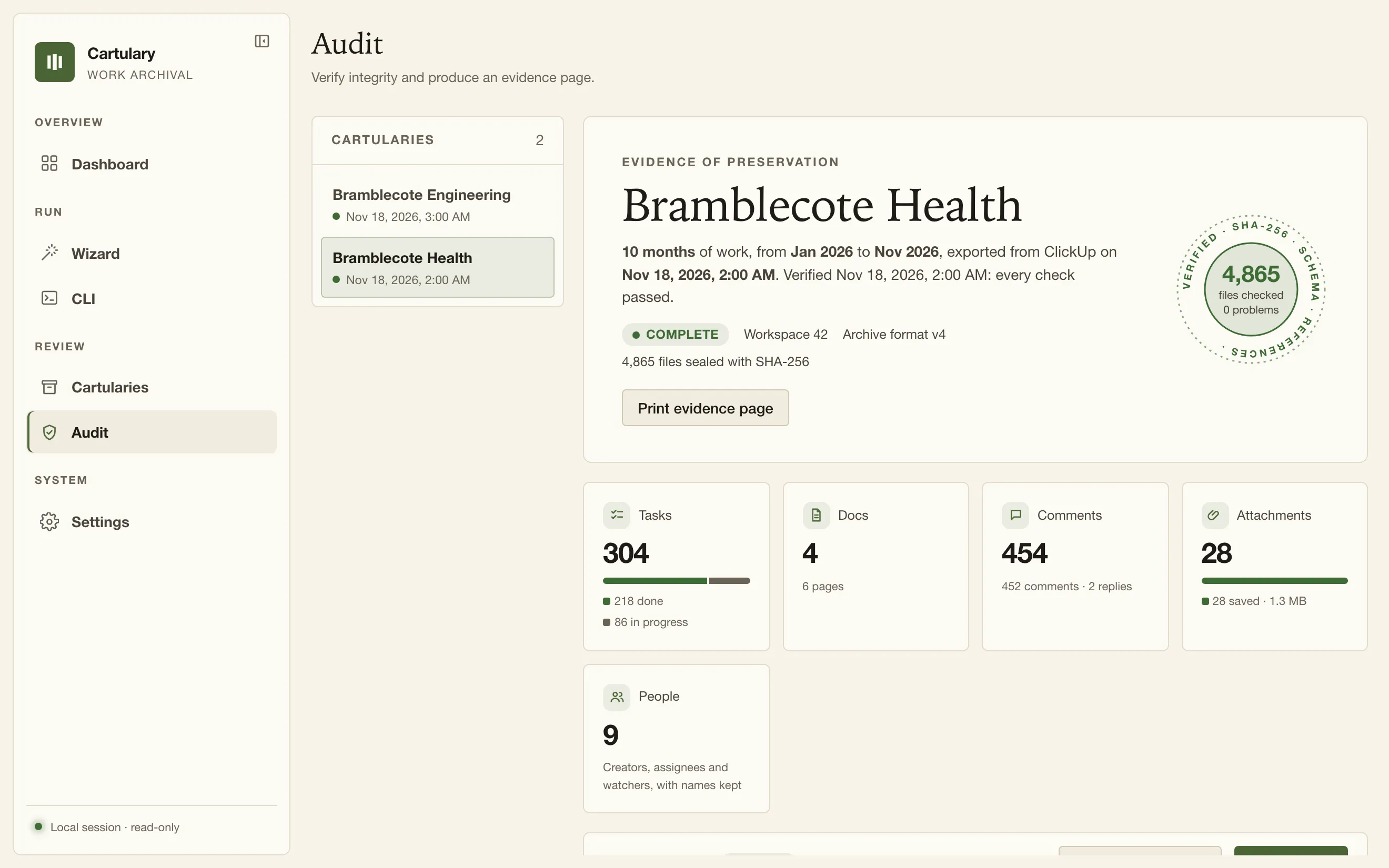
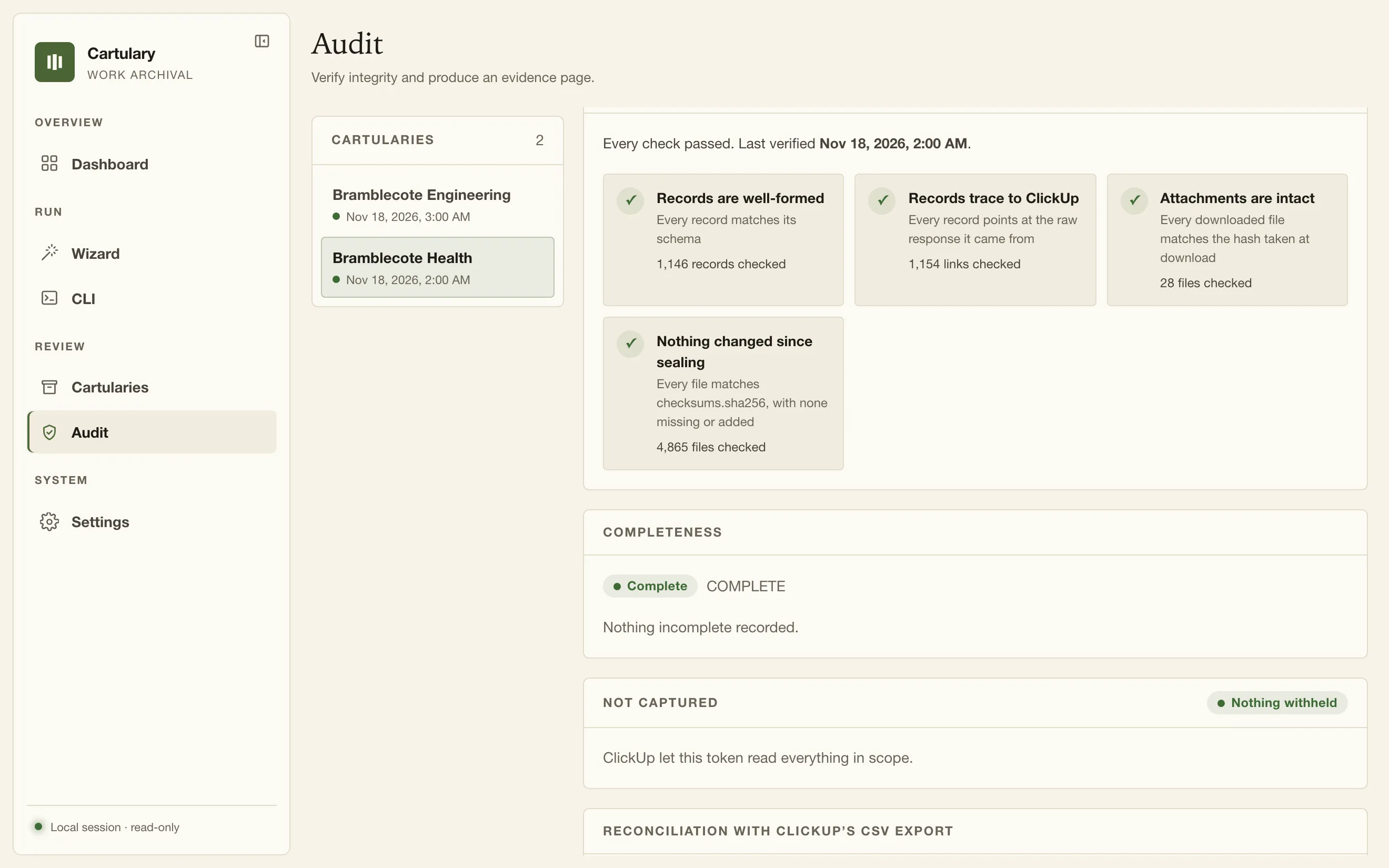
You don’t have to be migrating. Teams keep a verifiable, scheduled copy of their ClickUp Workspace as a record of what the work said on a given date, and keep using ClickUp every day.
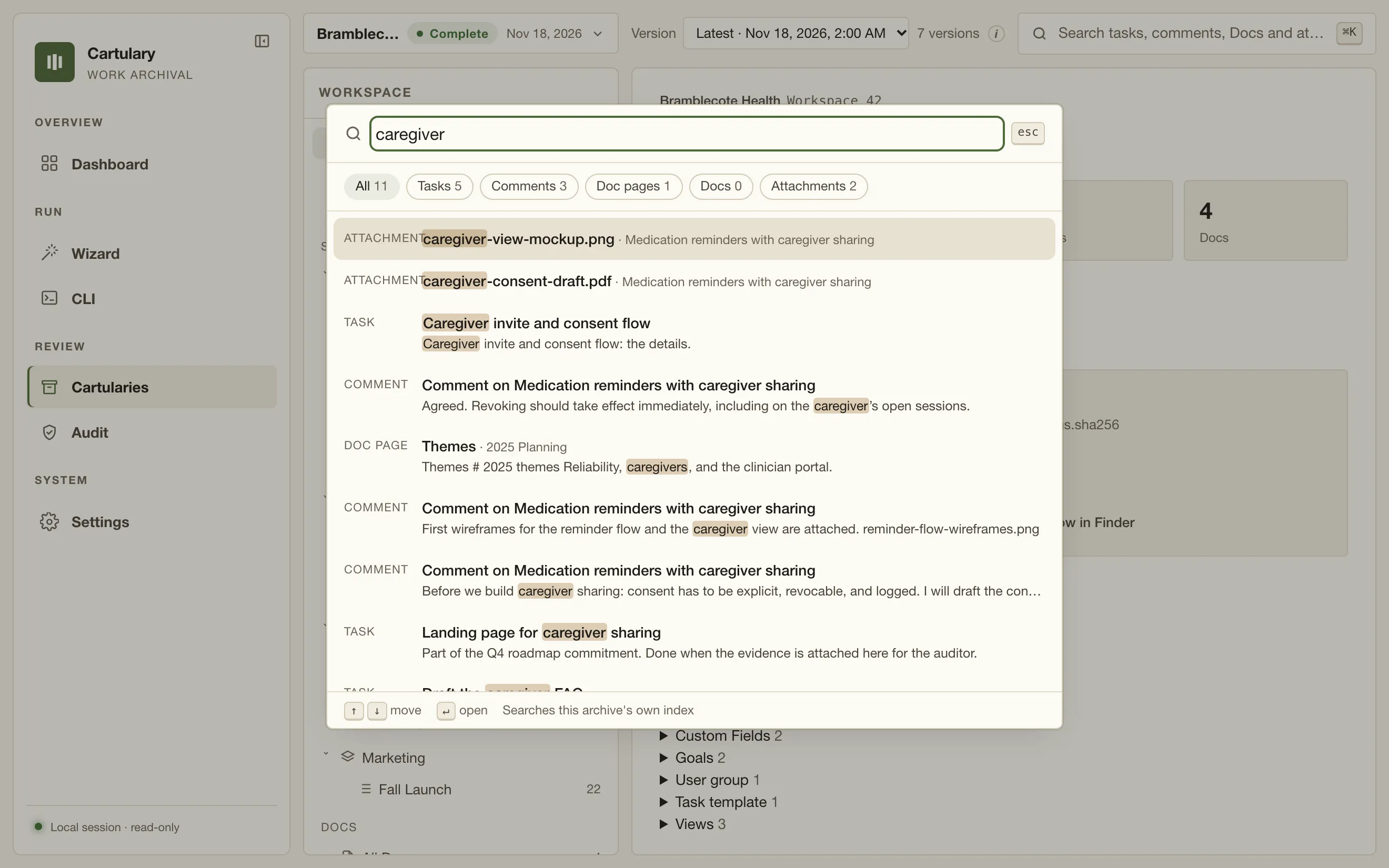
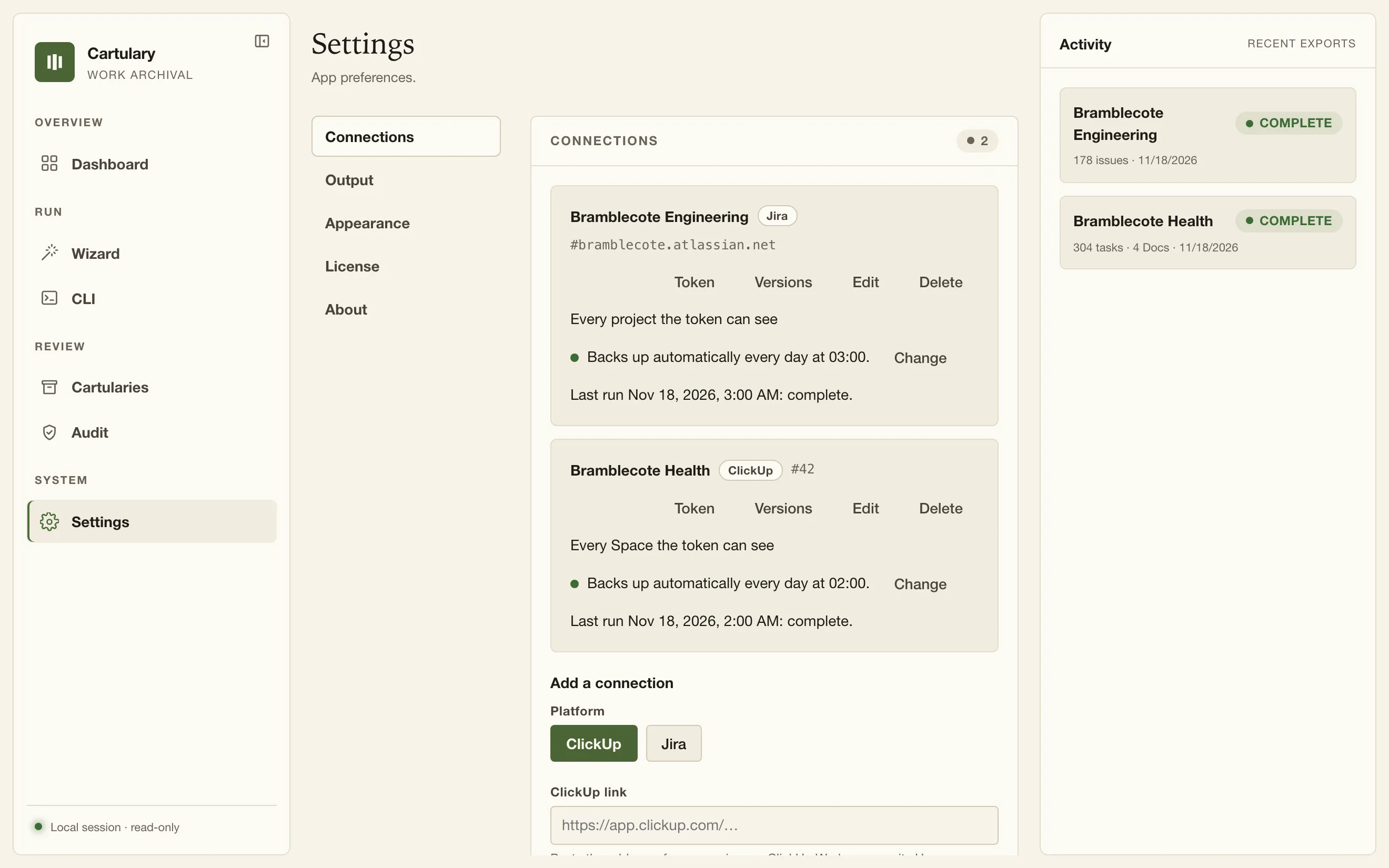
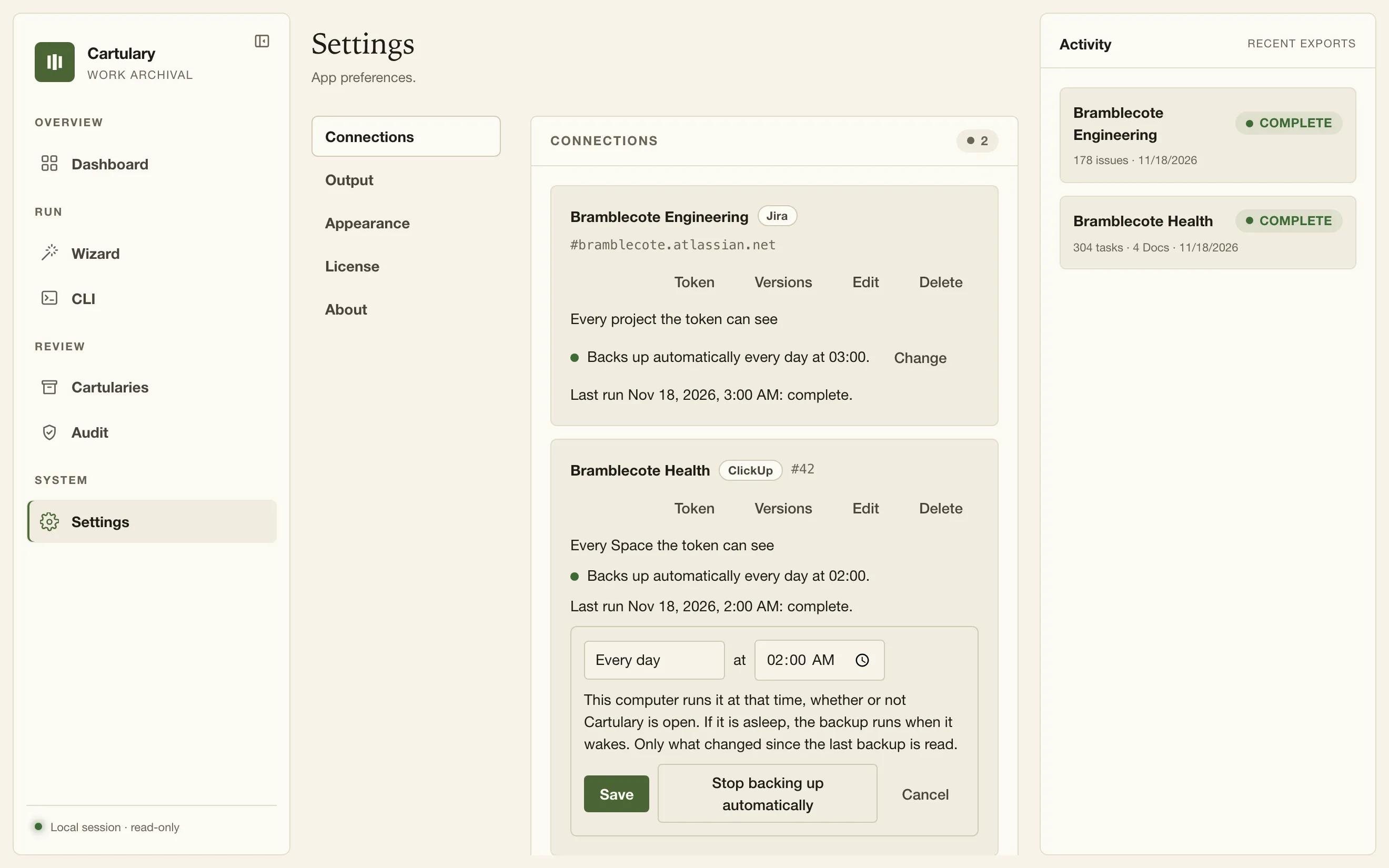
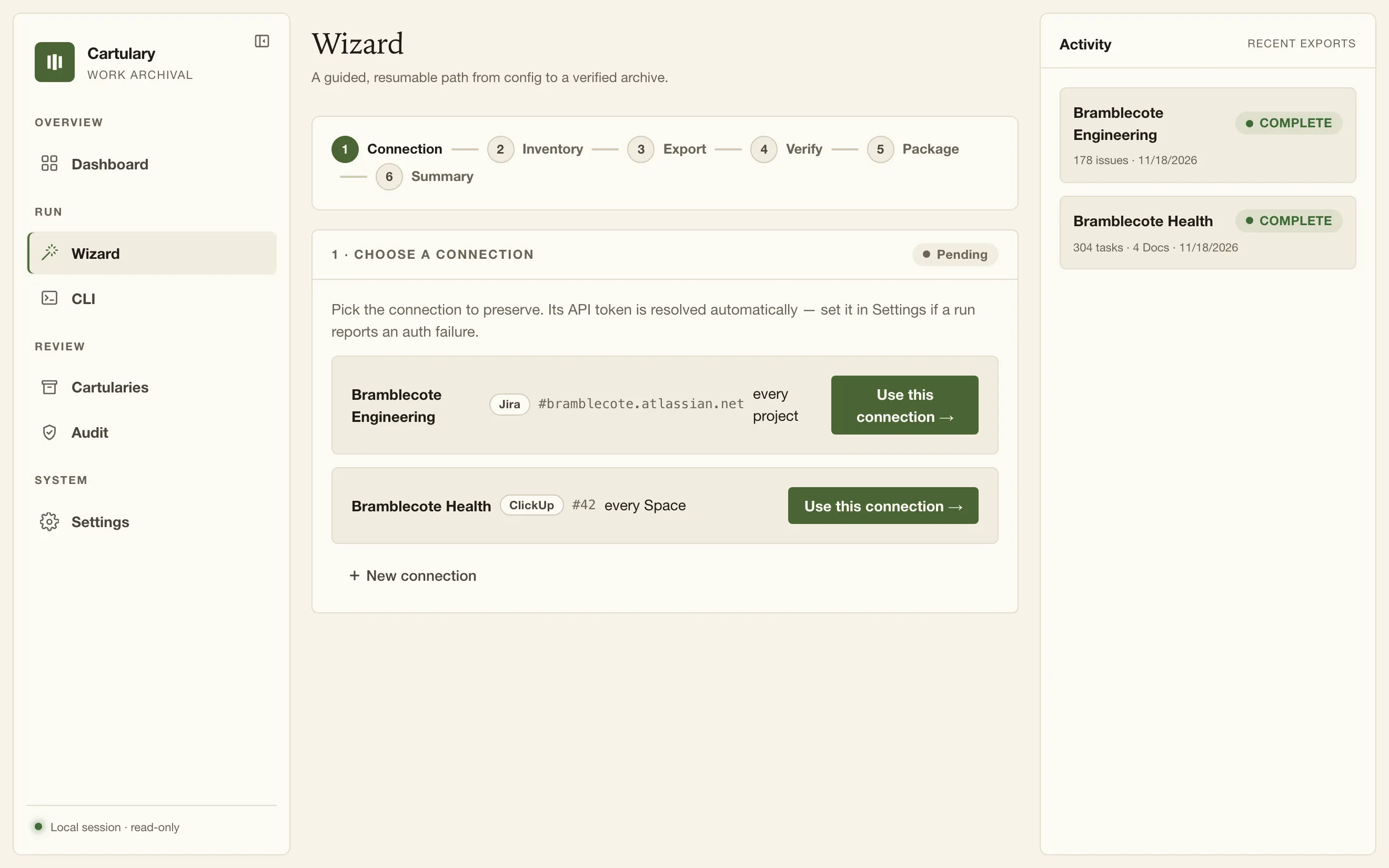
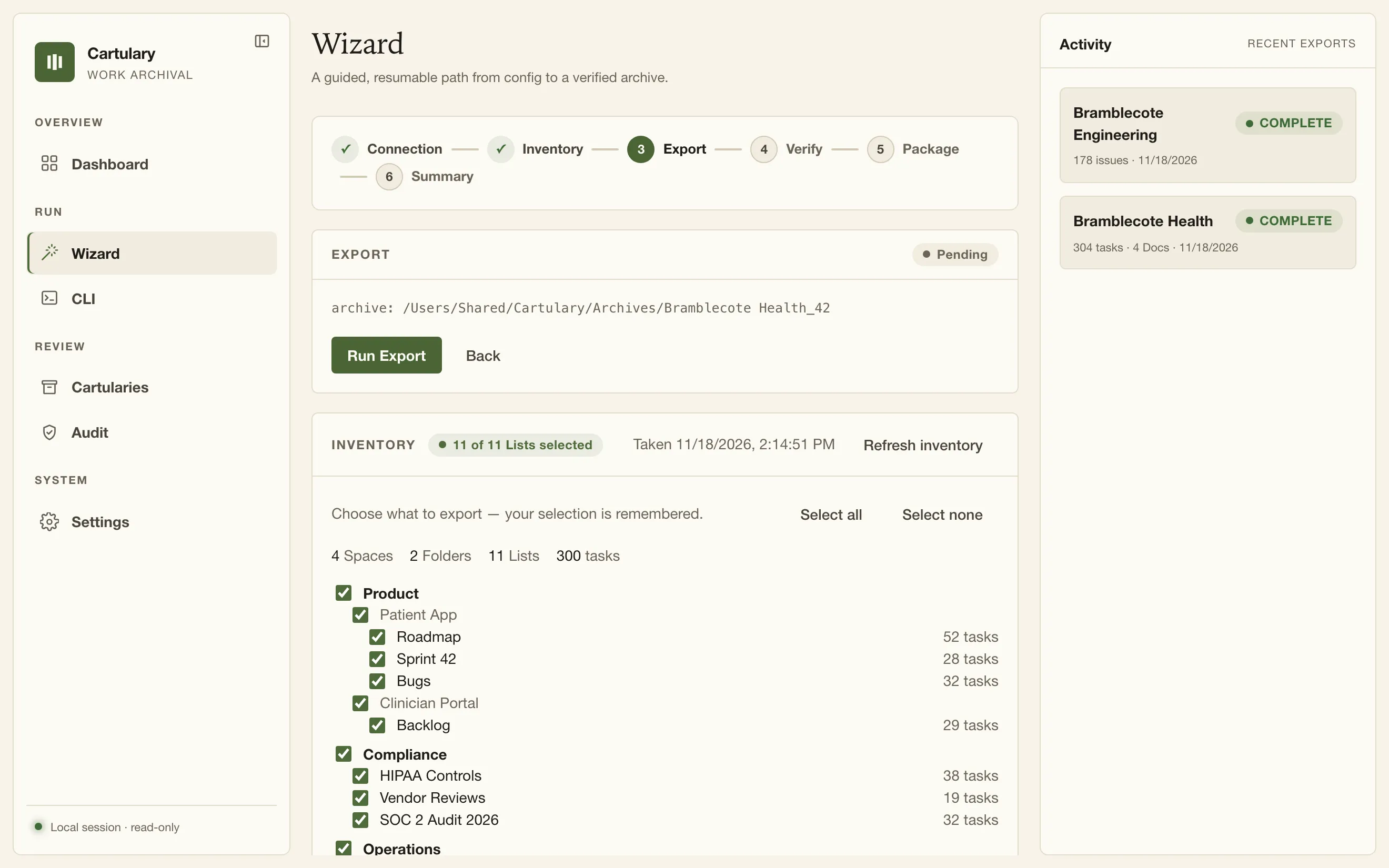
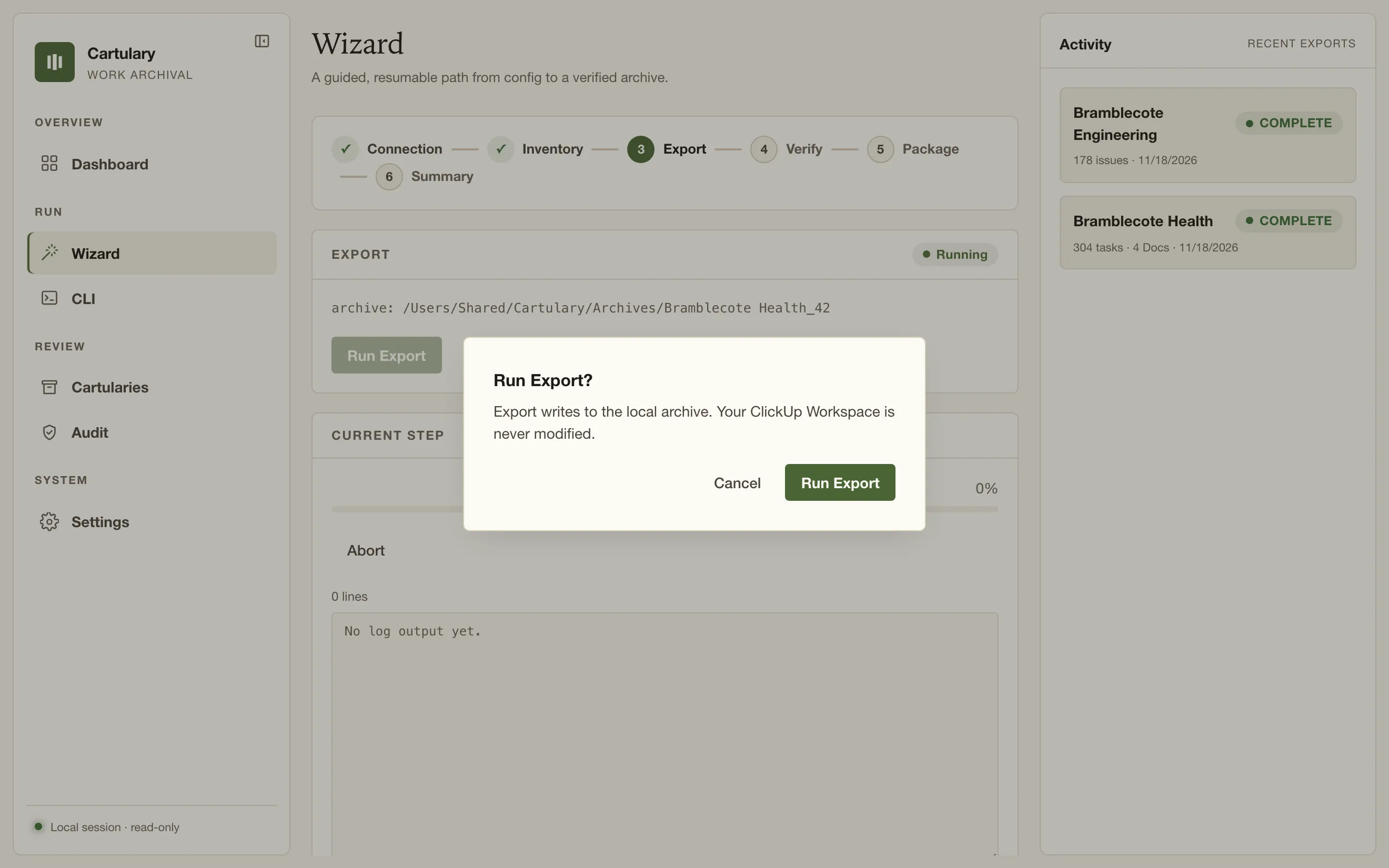
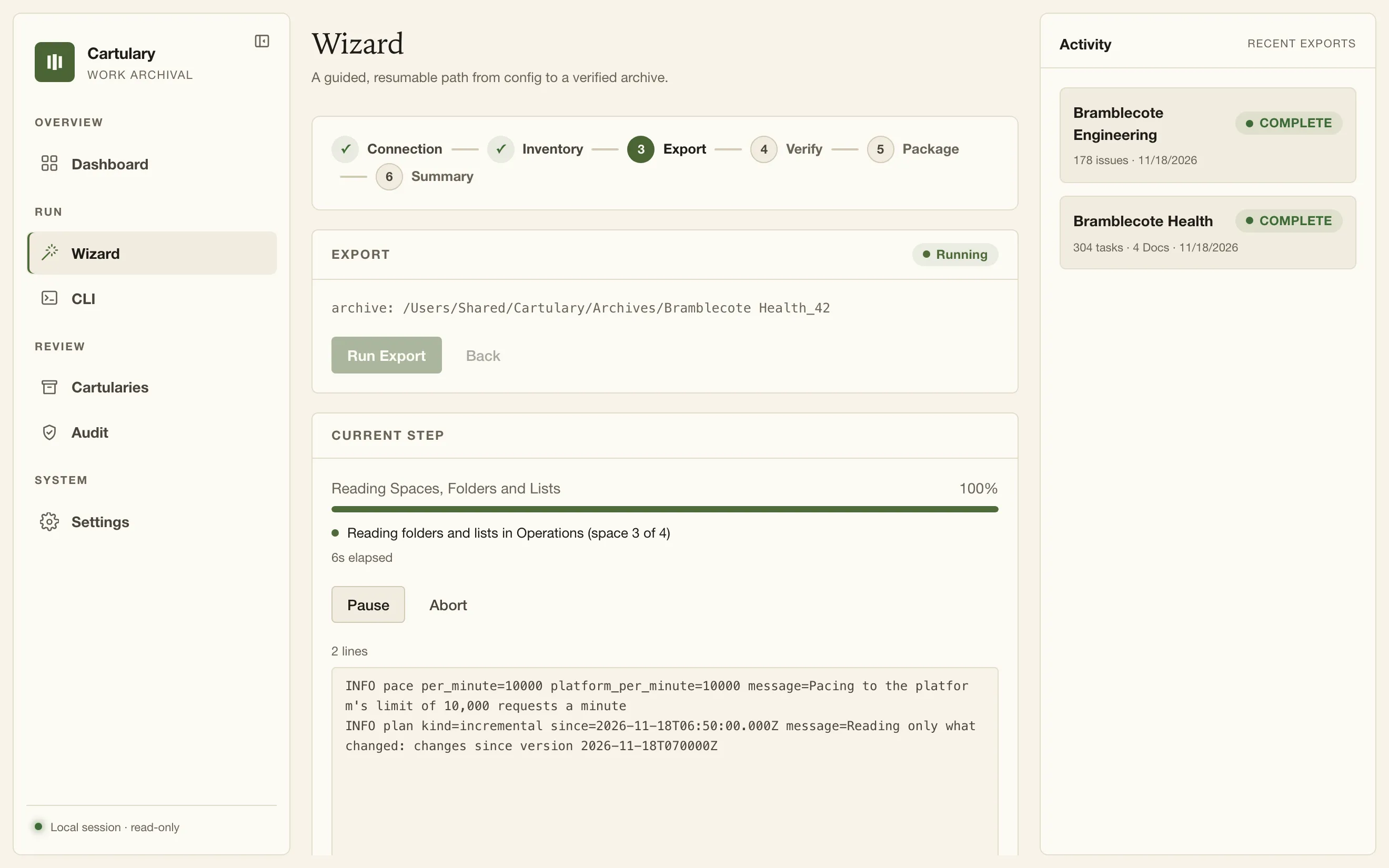
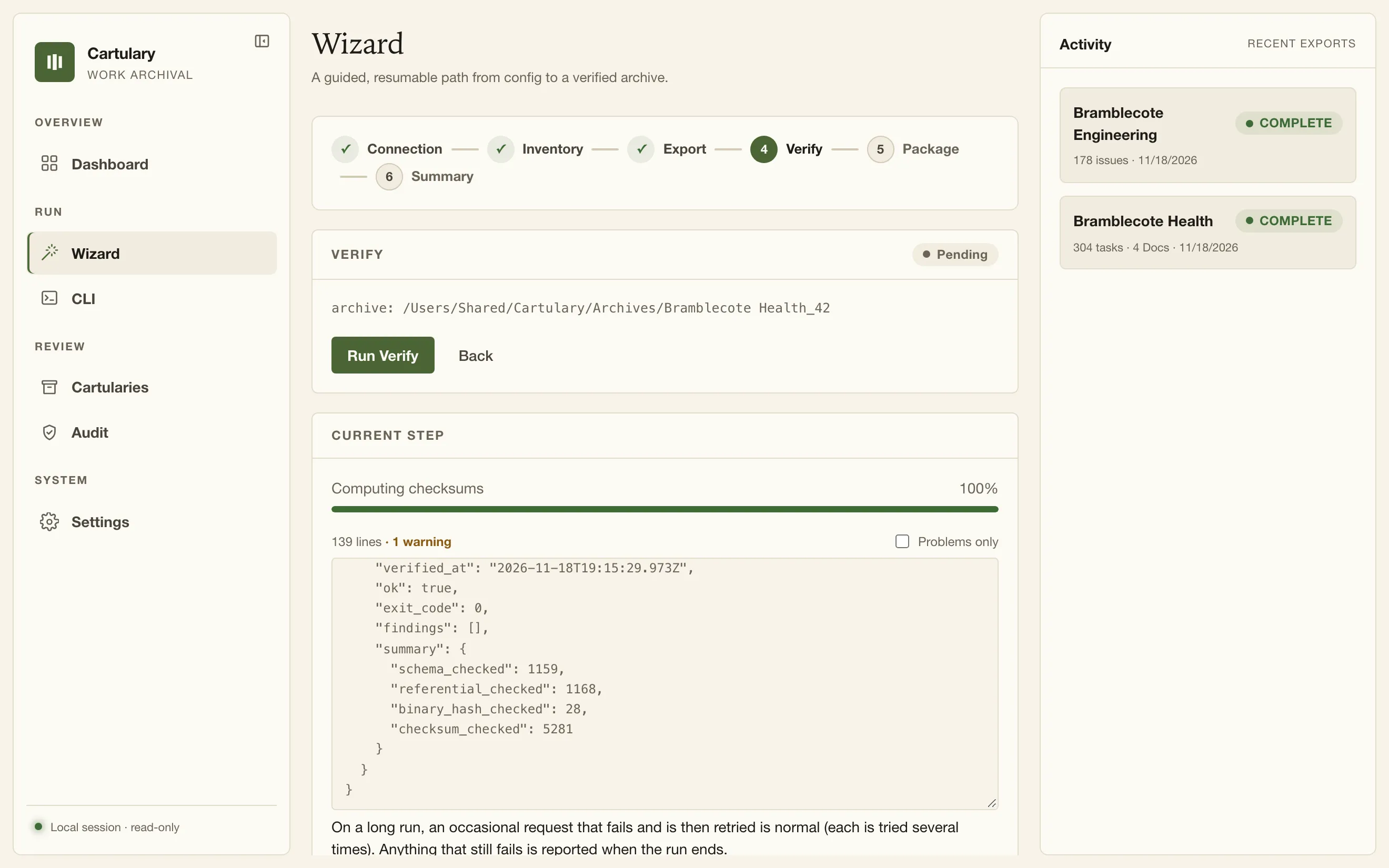
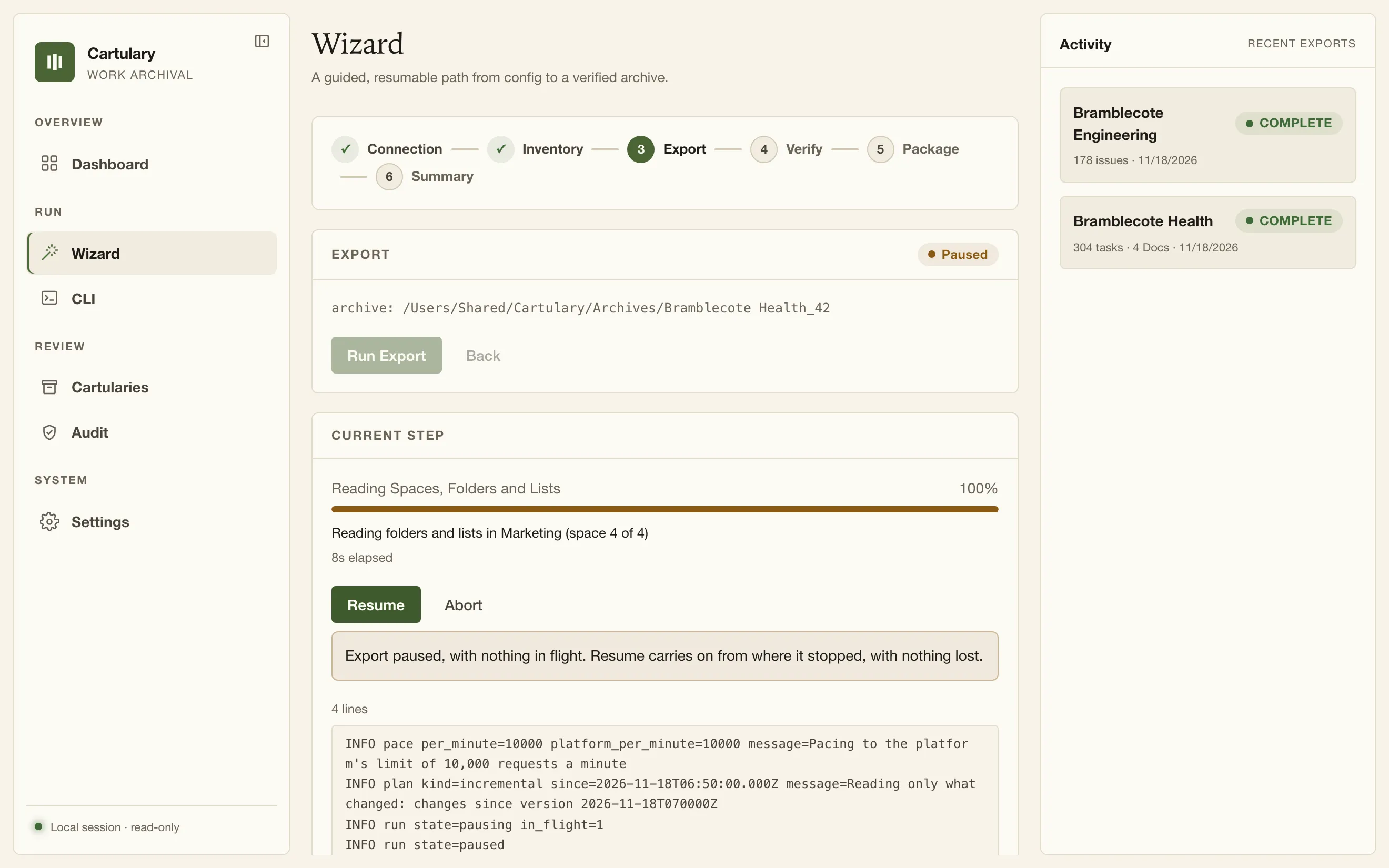
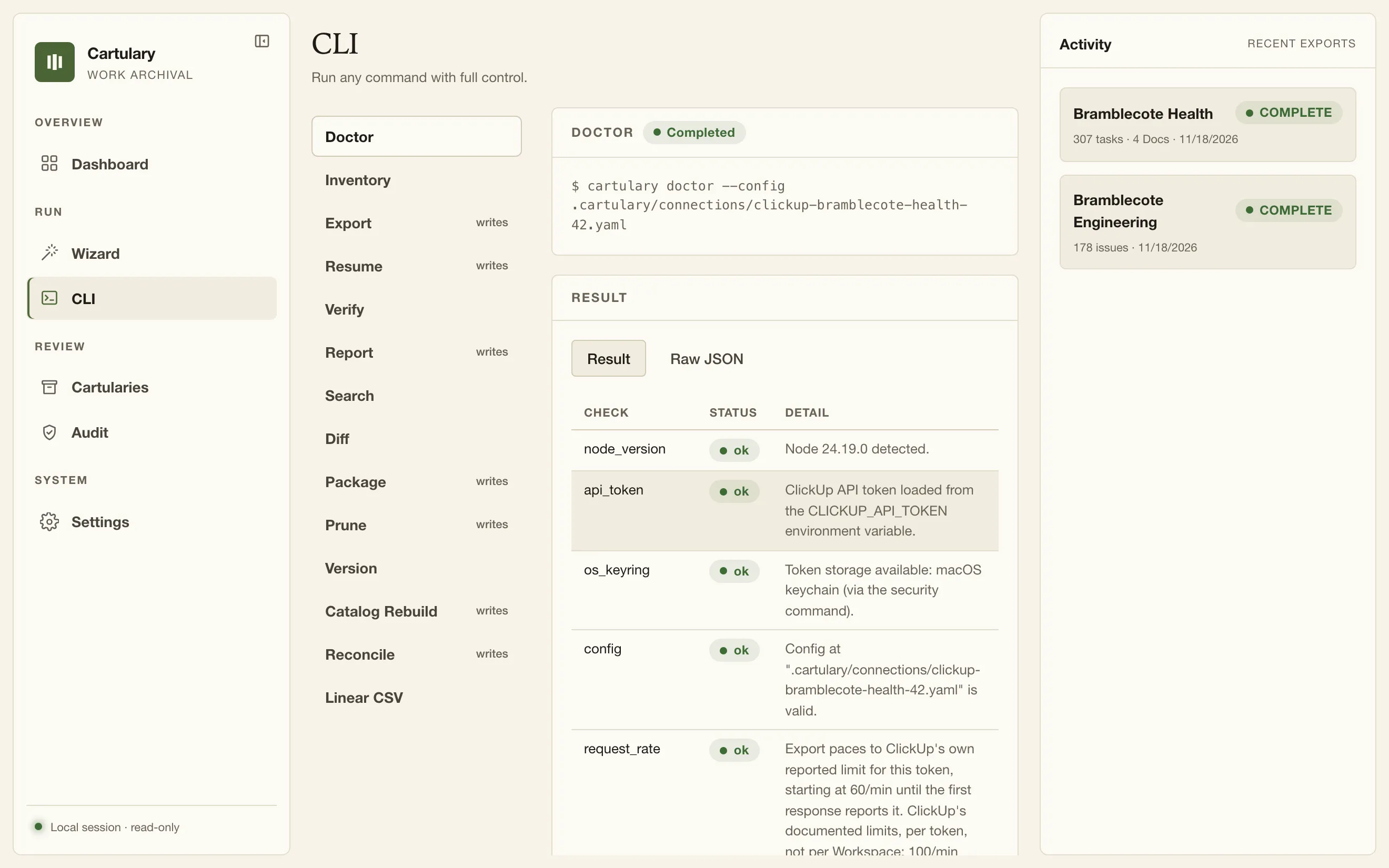
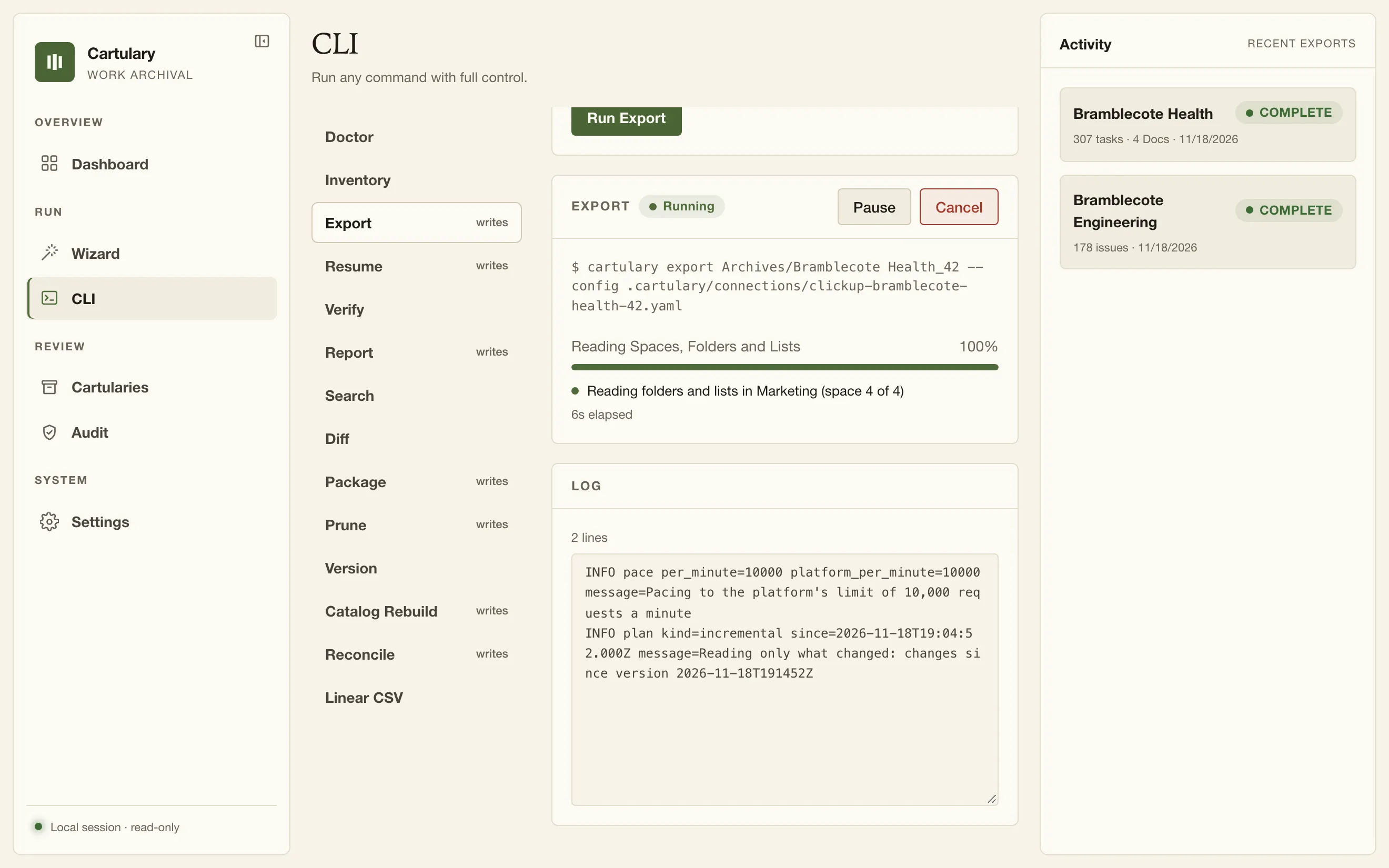
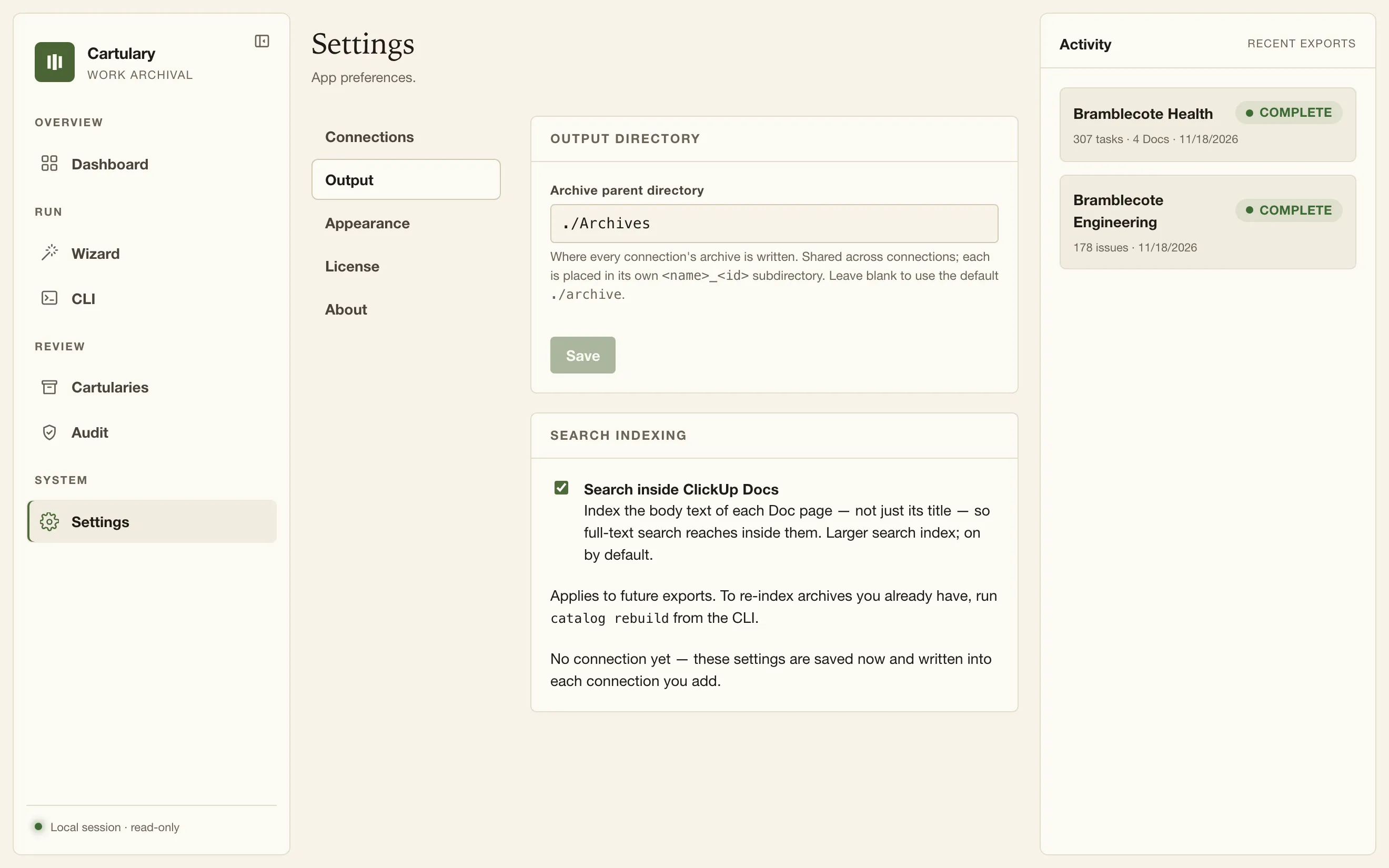
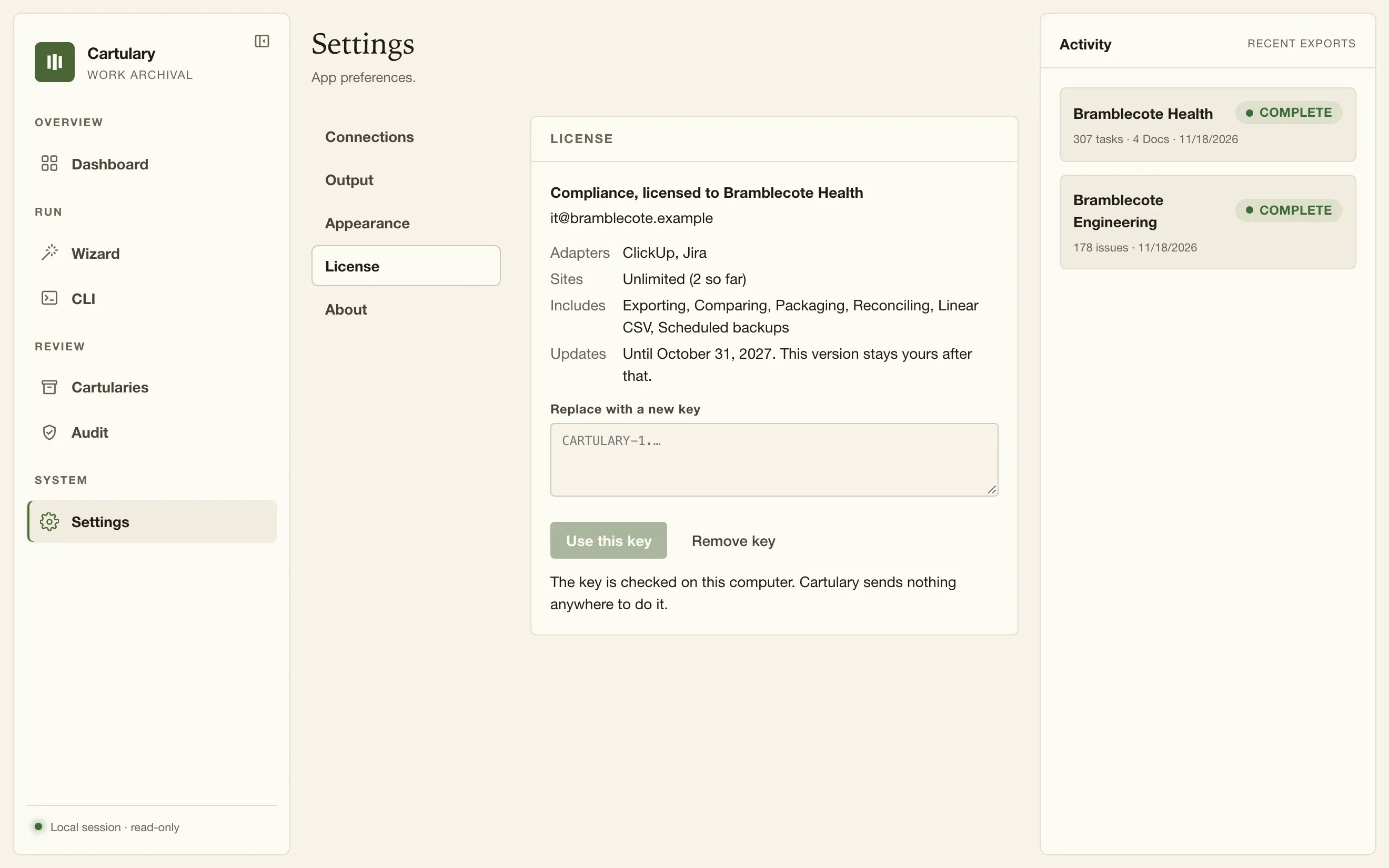
See it, screen by screen.
Captured from the real app. Switch any screen between light and dark.