Jira Cloud (not Data Center or Server)
Leave Jira. Keep the record.
Cartulary makes a complete, sealed, searchable copy of your Jira site on your own disk, whether you’re leaving Jira or keeping a verifiable record while you stay.
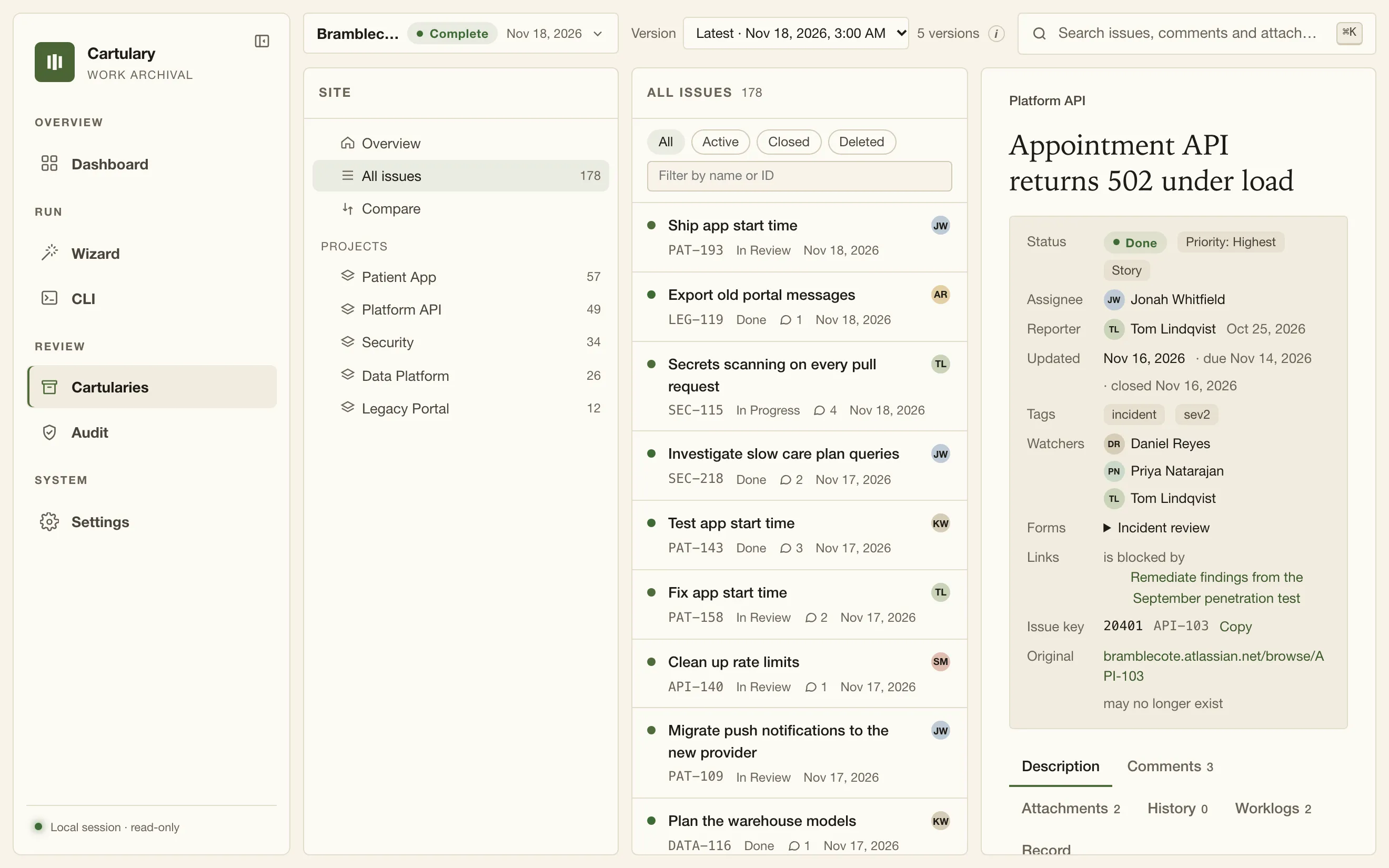
In Jira’s own words.
Cartulary speaks the terms you already use:
- site
- project
- issue
- comment
What it captures.
- Live and archived projects, with their roles, permission schemes and workflows
- Issues with every field Jira returns, custom fields labelled by name, and each issue’s full change history
- Parent and subtasks, issue links with type and direction, and links to other sites and apps
- Every comment, fully paged, with its visibility and formatting (Jira comments are flat, with no threads)
- Attachment files, downloaded and hashed; watchers, votes and every worklog
- Boards and sprints, versions and components
- Jira Service Management: service desks, request types, queues, SLAs, participants and approvals; Forms answers
- Site users and groups, and the original API responses, credentials removed
What it leaves out.
- Data Center and Server (Cloud only)
- Issues archived before the first export (Jira’s search does not return them; ones archived later are kept and marked)
- Product Discovery insights, and comments the connected account may not see
- Restoring into Jira: Cartulary only reads from it
Jira comments are flat, so there are no threads to keep. Later Jira exports read only what changed since the last version, with a full read every 7 days by default.
Preserve the record without leaving.
You don’t have to be migrating. Teams keep a verifiable, scheduled copy of their Jira site as a record of what the work said on a given date, and keep using Jira every day.
Help us test Jira
Test Cartulary on your Jira site. Get a Team license.
Cartulary was proven on a ClickUp Workspace with five years of history. We want the same confidence for Jira, so we're asking a few teams with real sites to run a test export and send us the result. The first three qualifying sites get a Team license (normally $199).
- Apply with a few details about your site, below. We reply to everyone and pick sites that cover different setups.
- Run a test. Download Cartulary, add your Jira connection, and choose Test run. It reads your whole site and checks it, then deletes what it read. No license needed, and no copy is kept.
- Send us the test report. Counts and outcomes only: no names, titles, issue keys or addresses. You see all of it before you send it, and you send it yourself.
Who qualifies
- A Jira Cloud site (not Data Center or Server)
- At least 1,000 issues, in real use for a year or more, with comments and attachments
- A Mac or Windows computer to run Cartulary on
- An account that can browse every project, ideally one made for the purpose
Licenses go to the first three accepted testers whose reports meet these criteria. The Team license covers up to 5 sites, the Jira adapter and a year of updates.
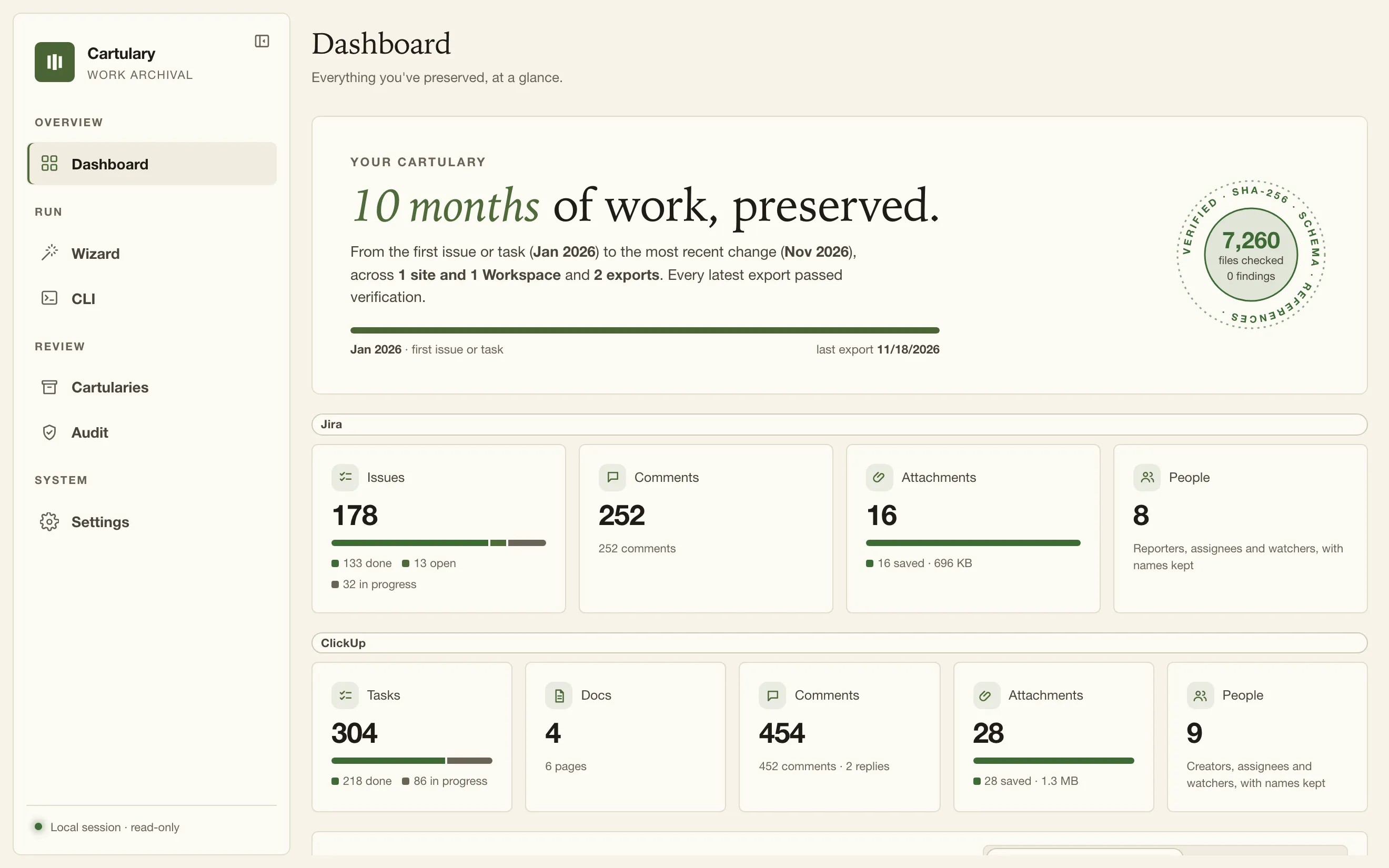
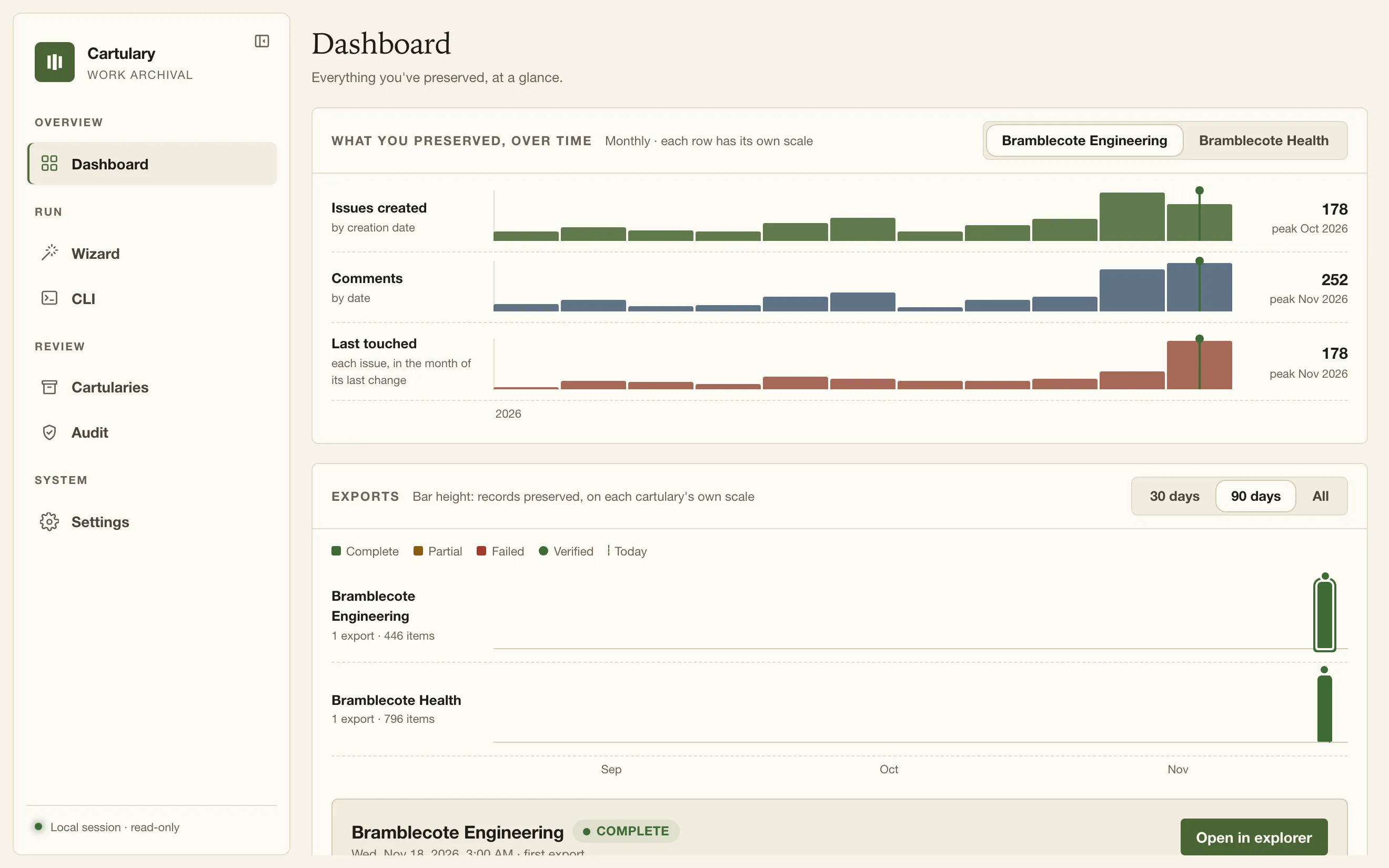
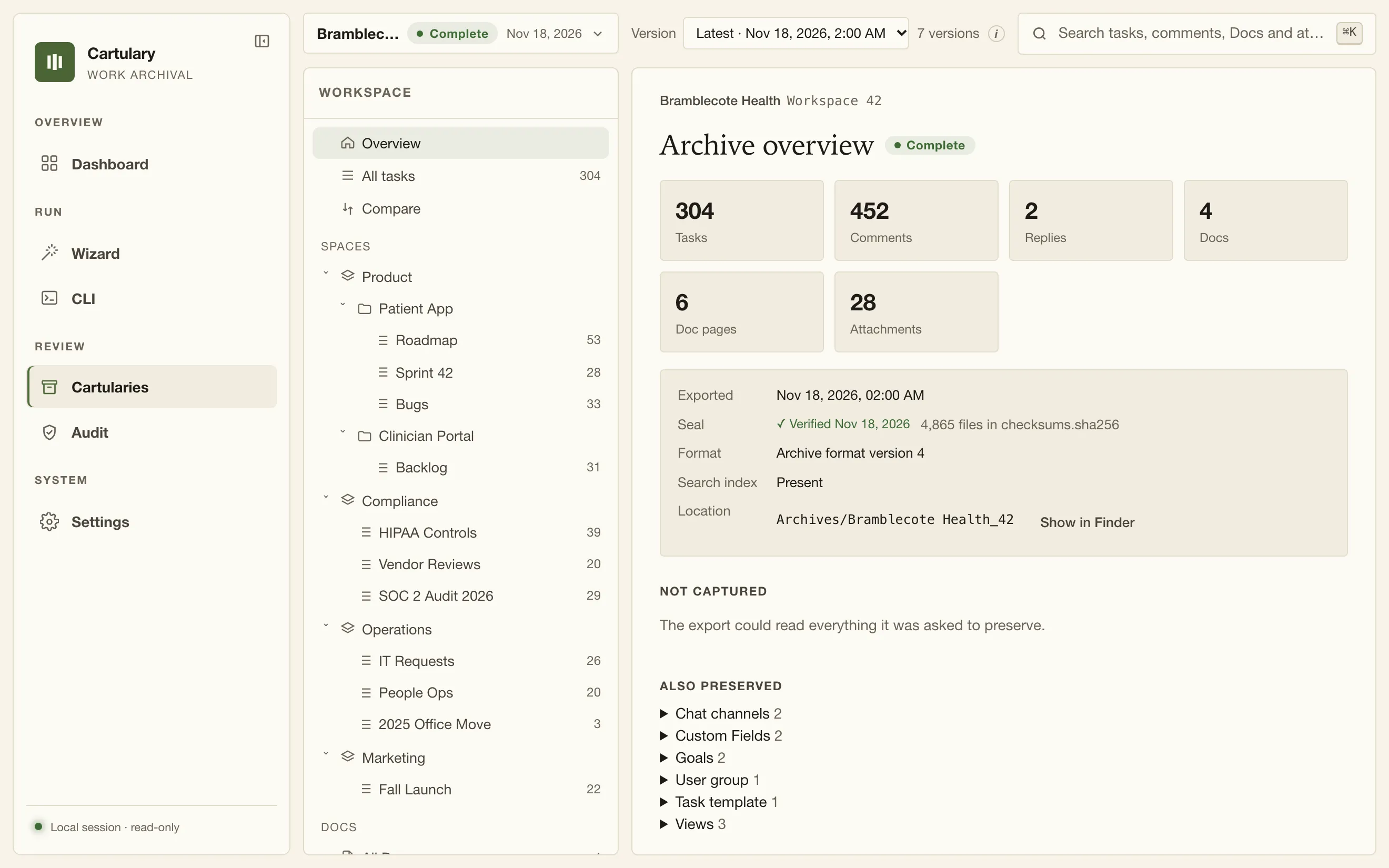
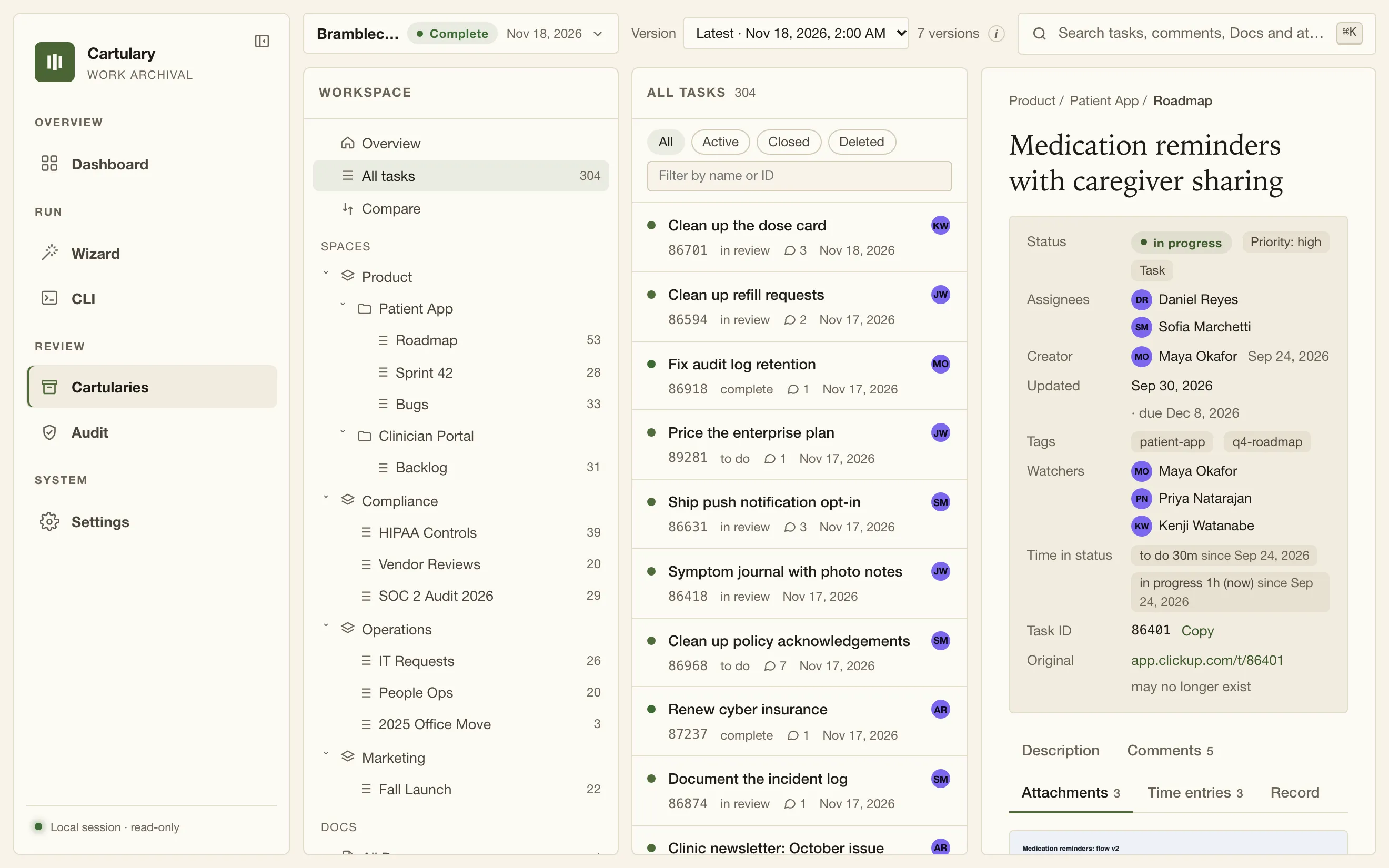
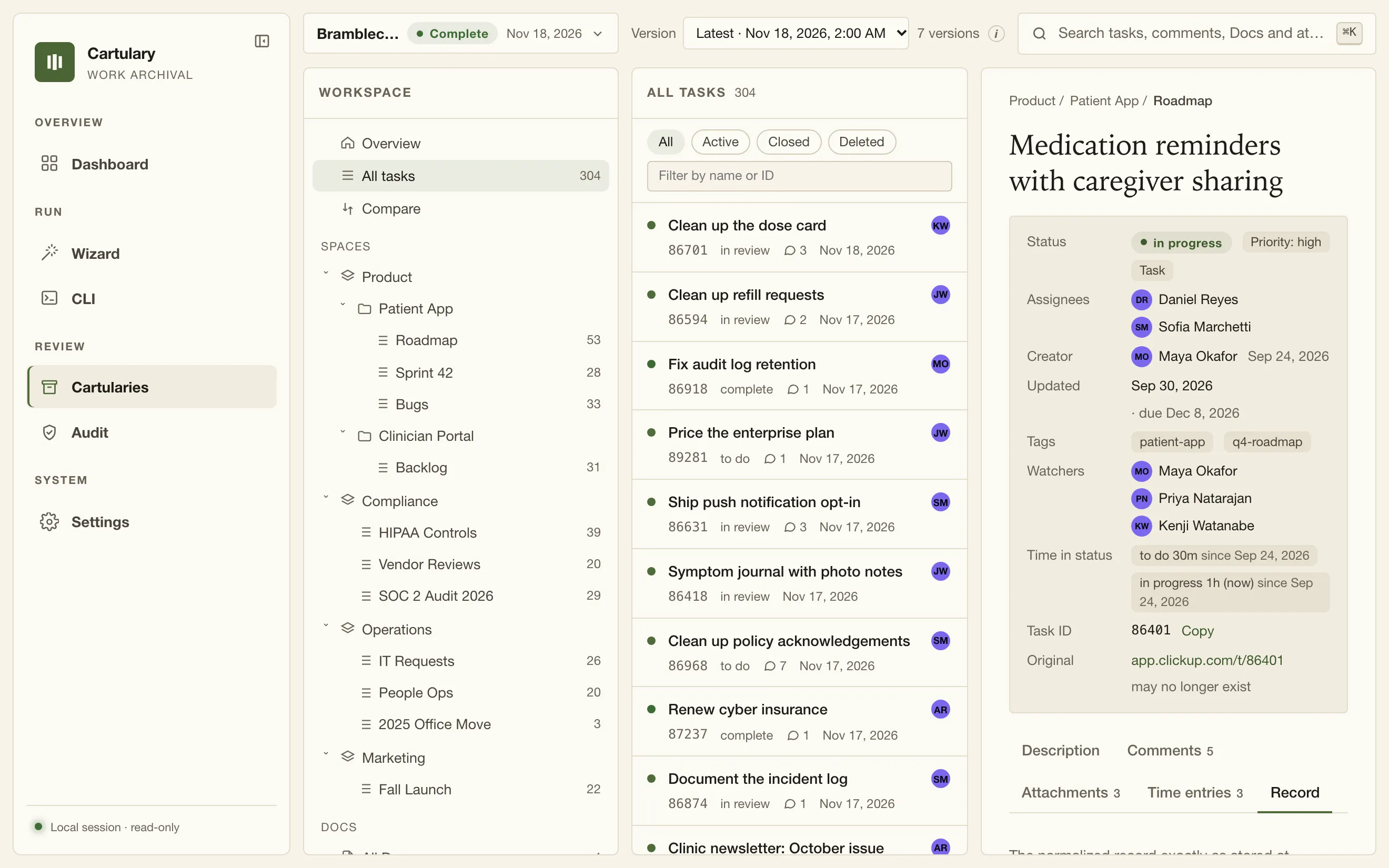
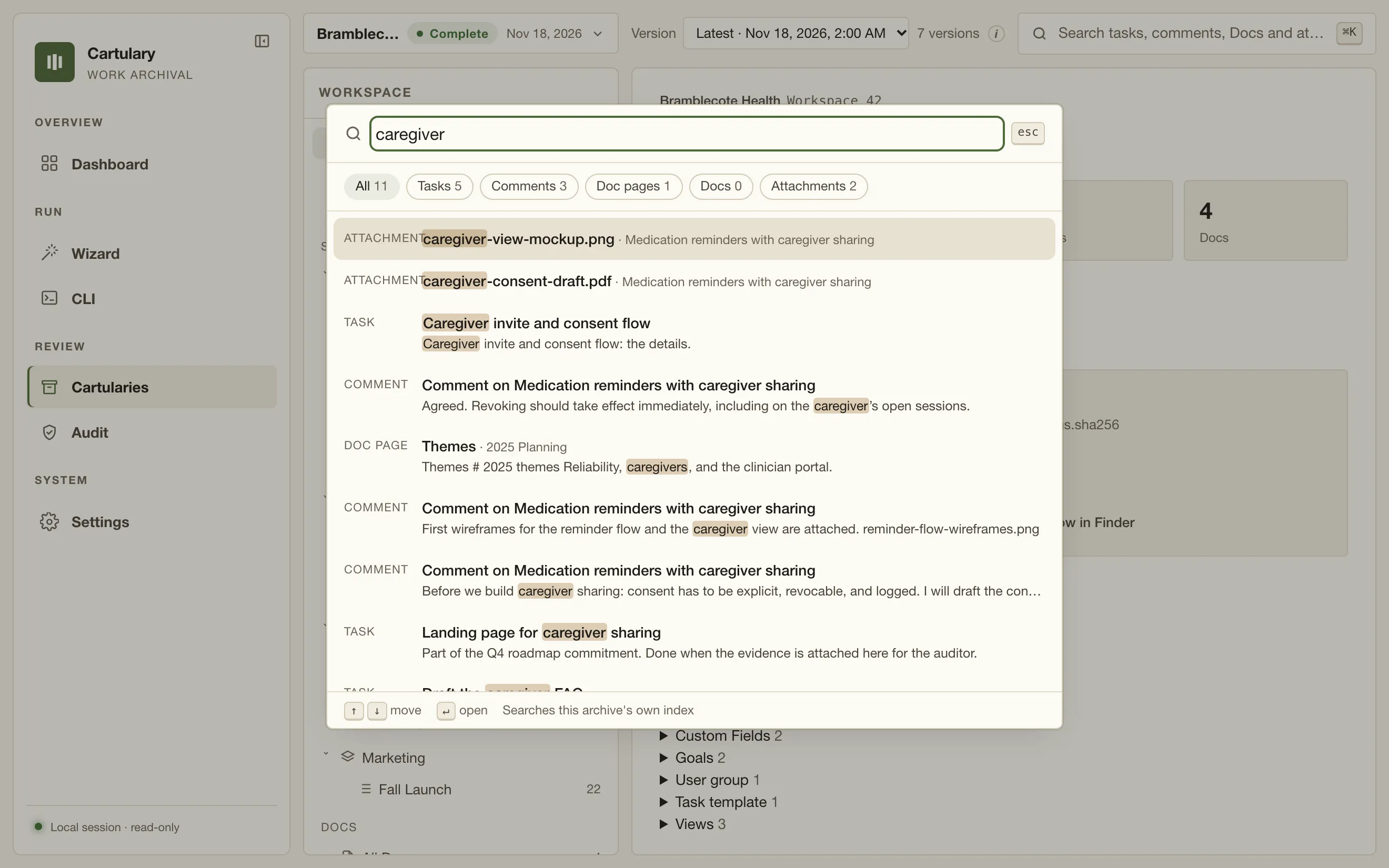
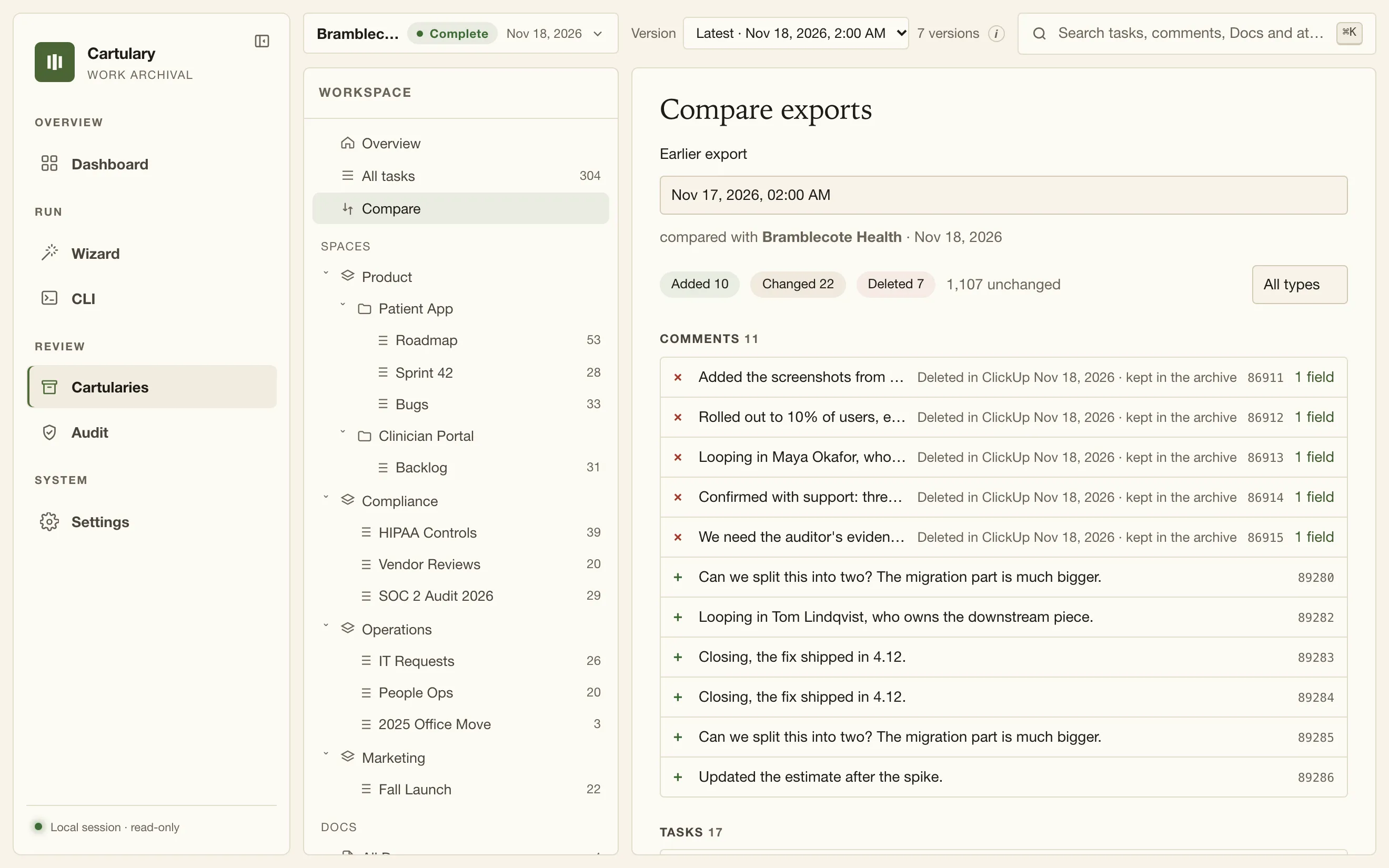
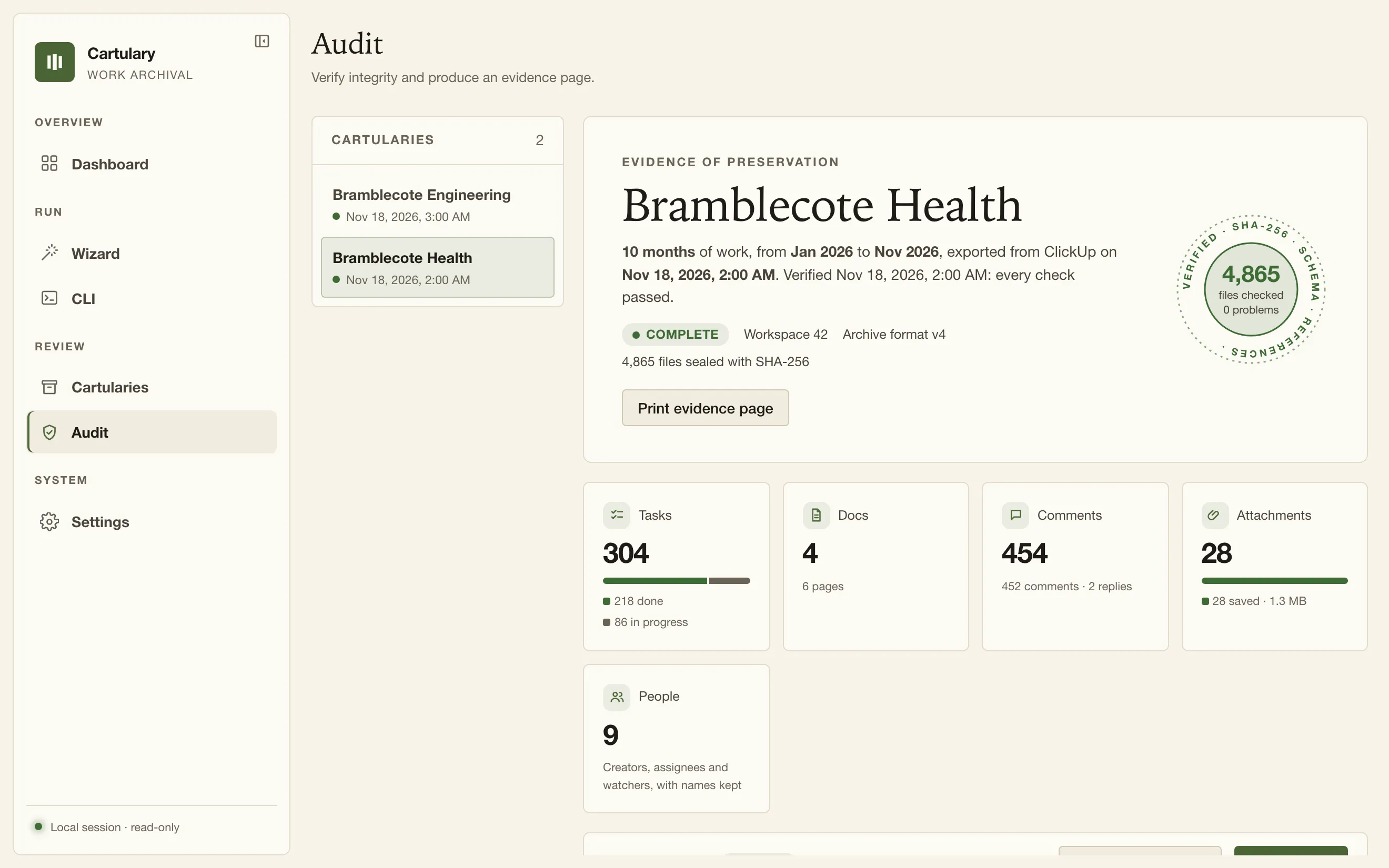
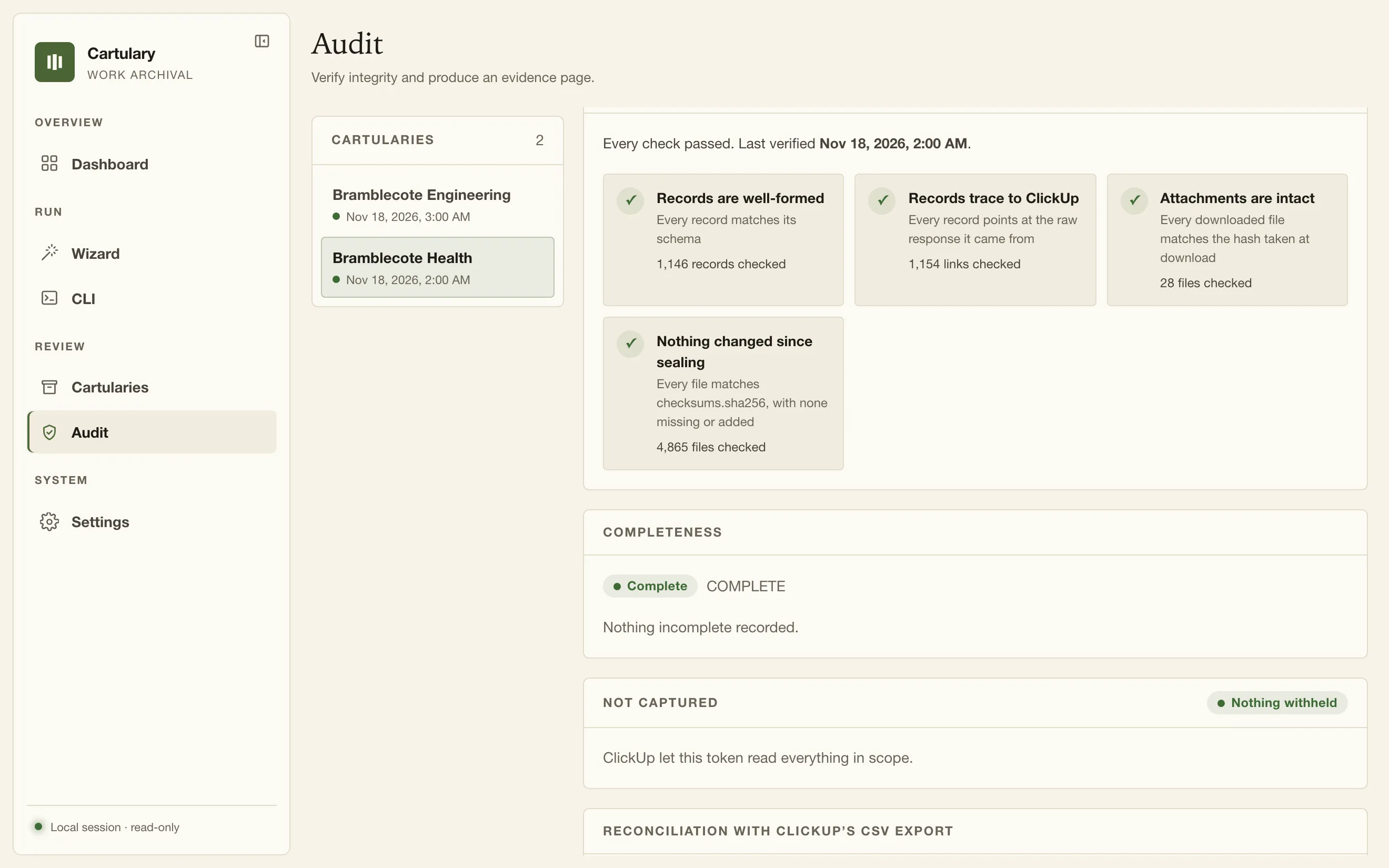
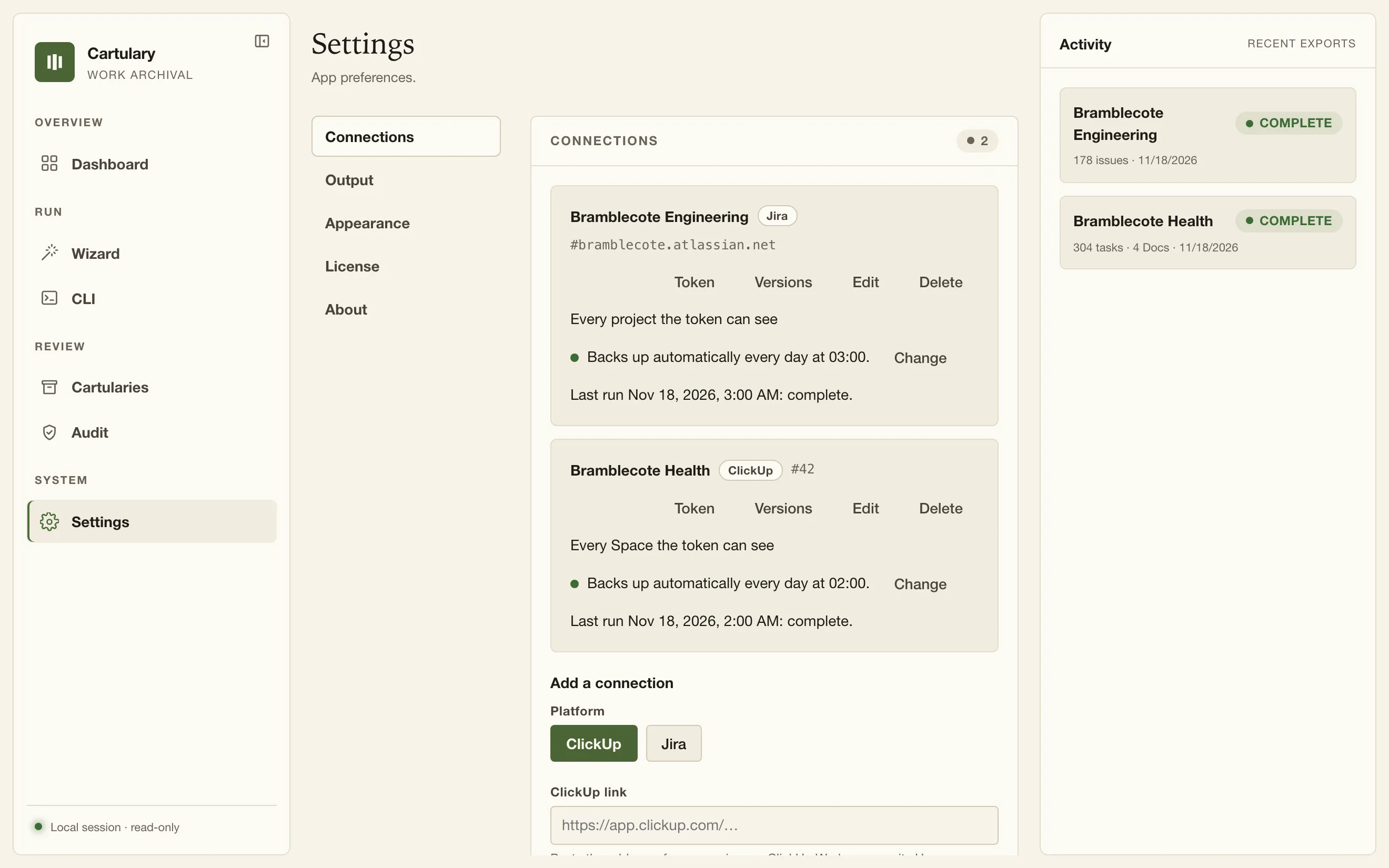
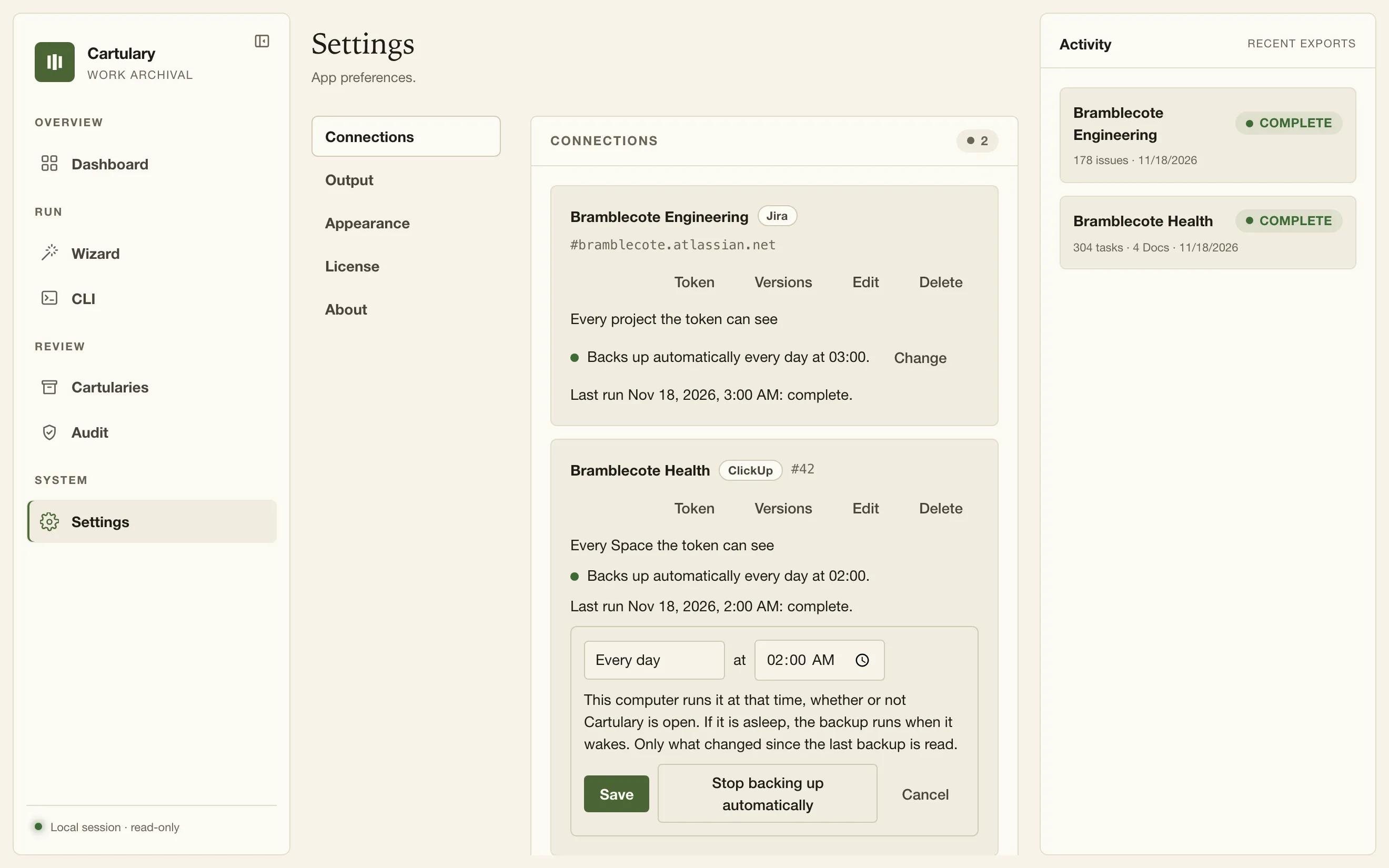
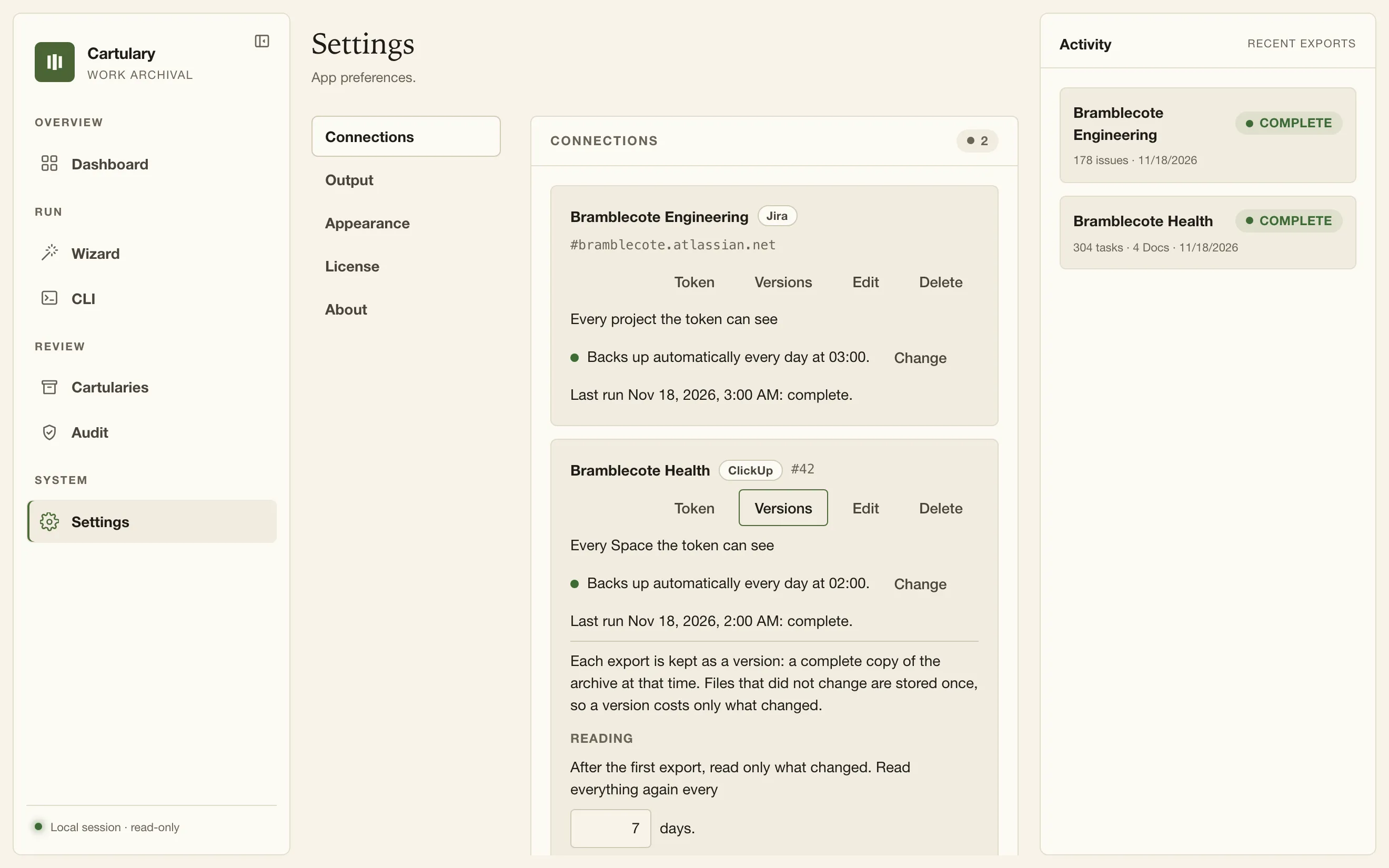
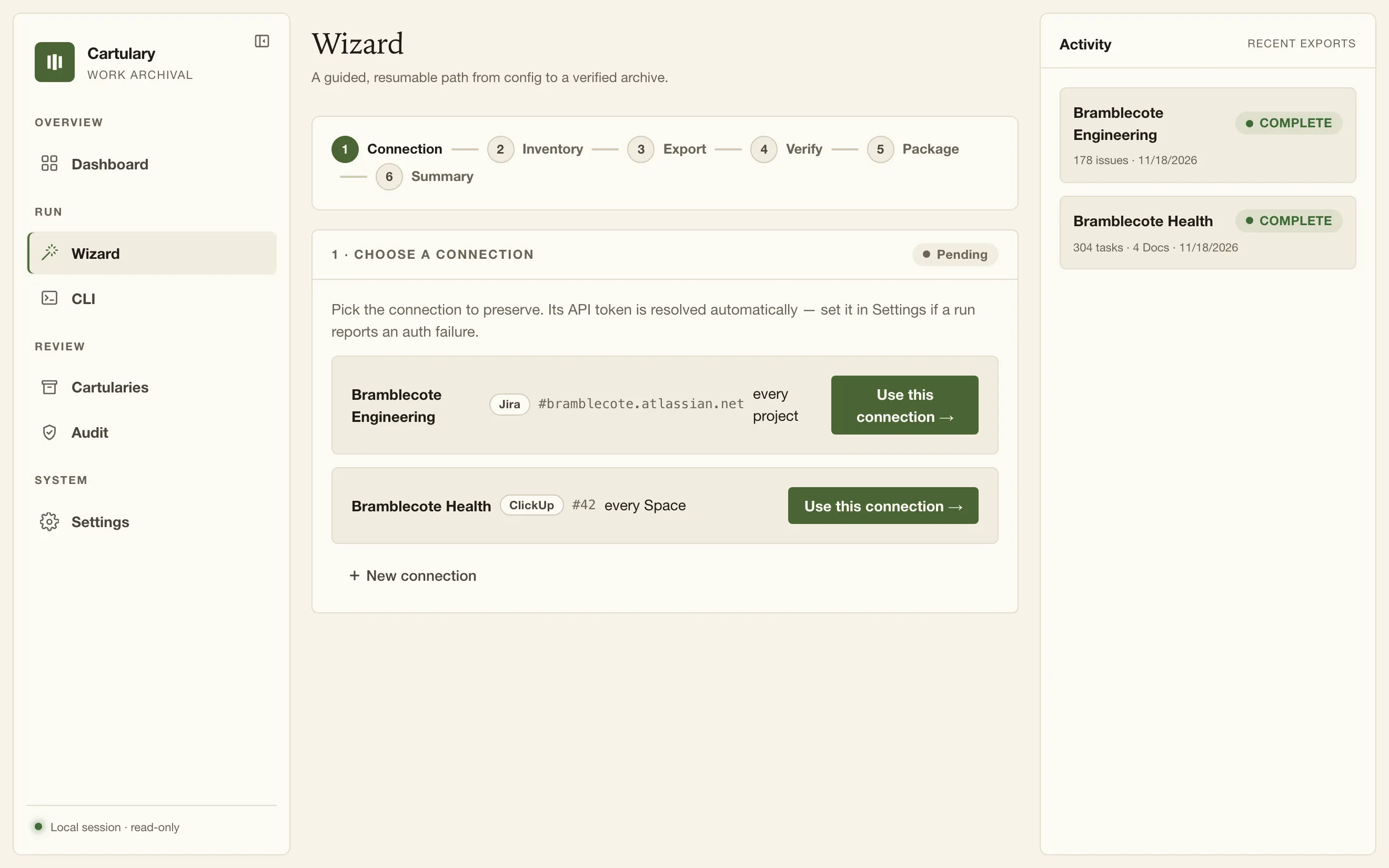
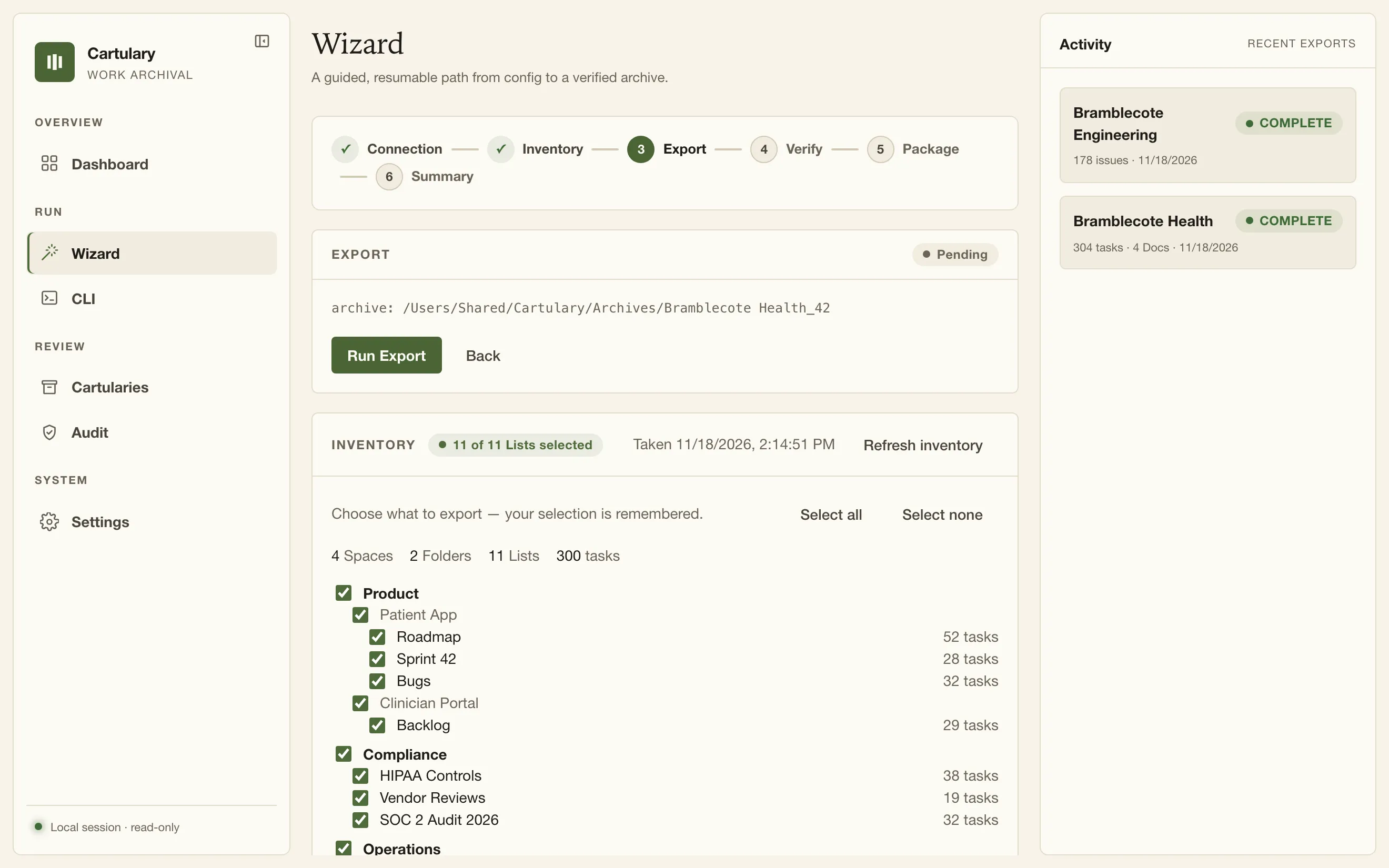
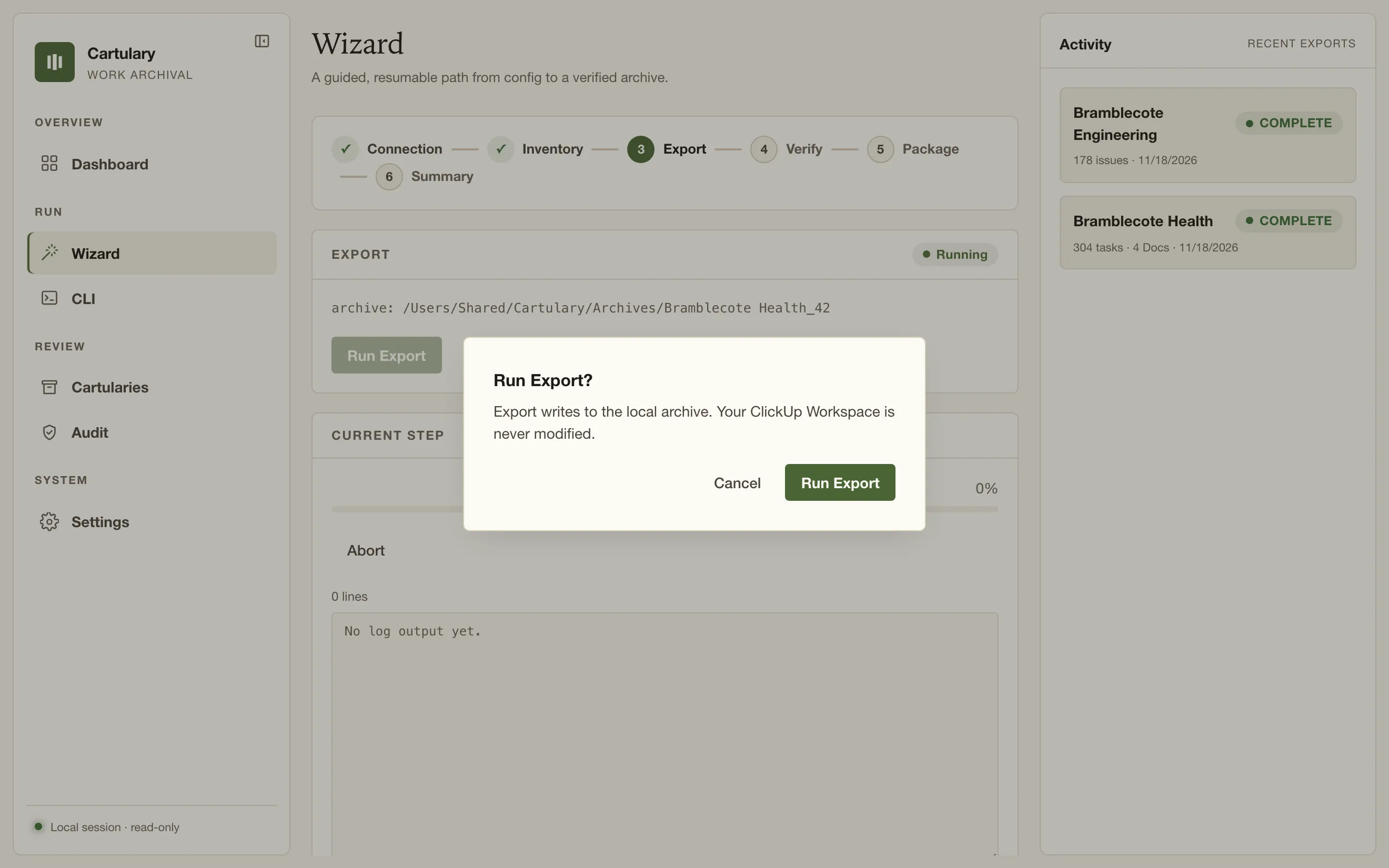
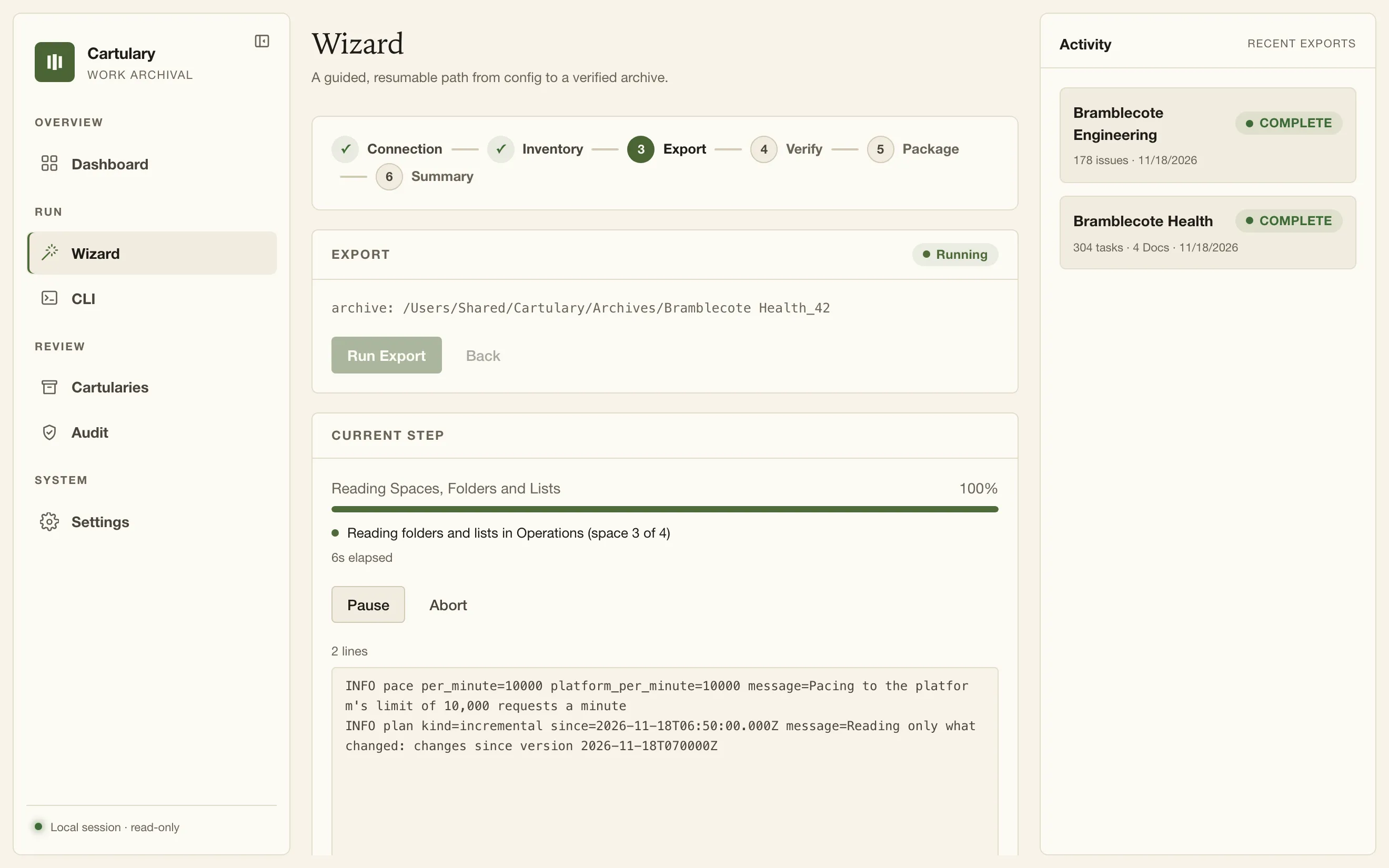
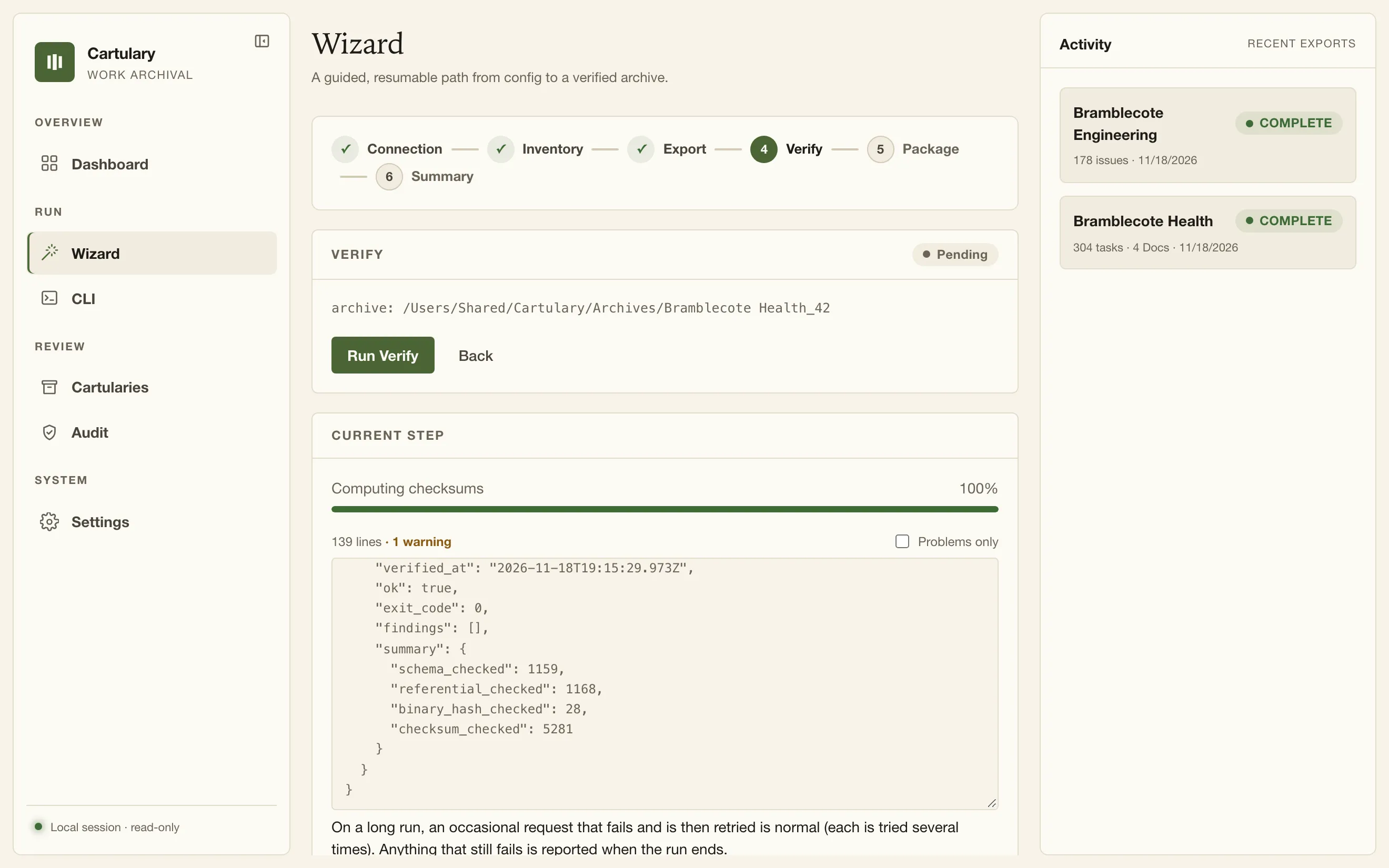
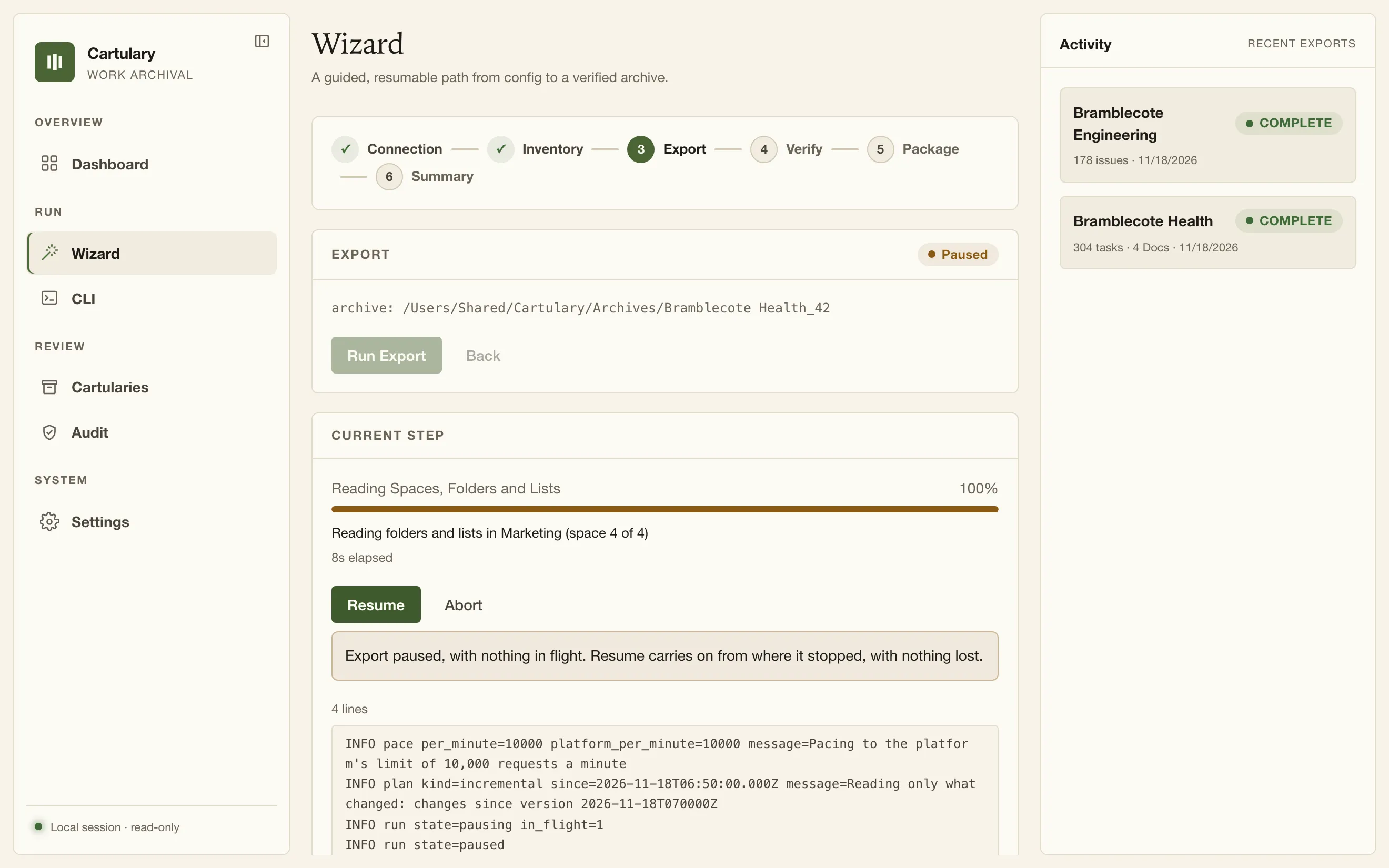
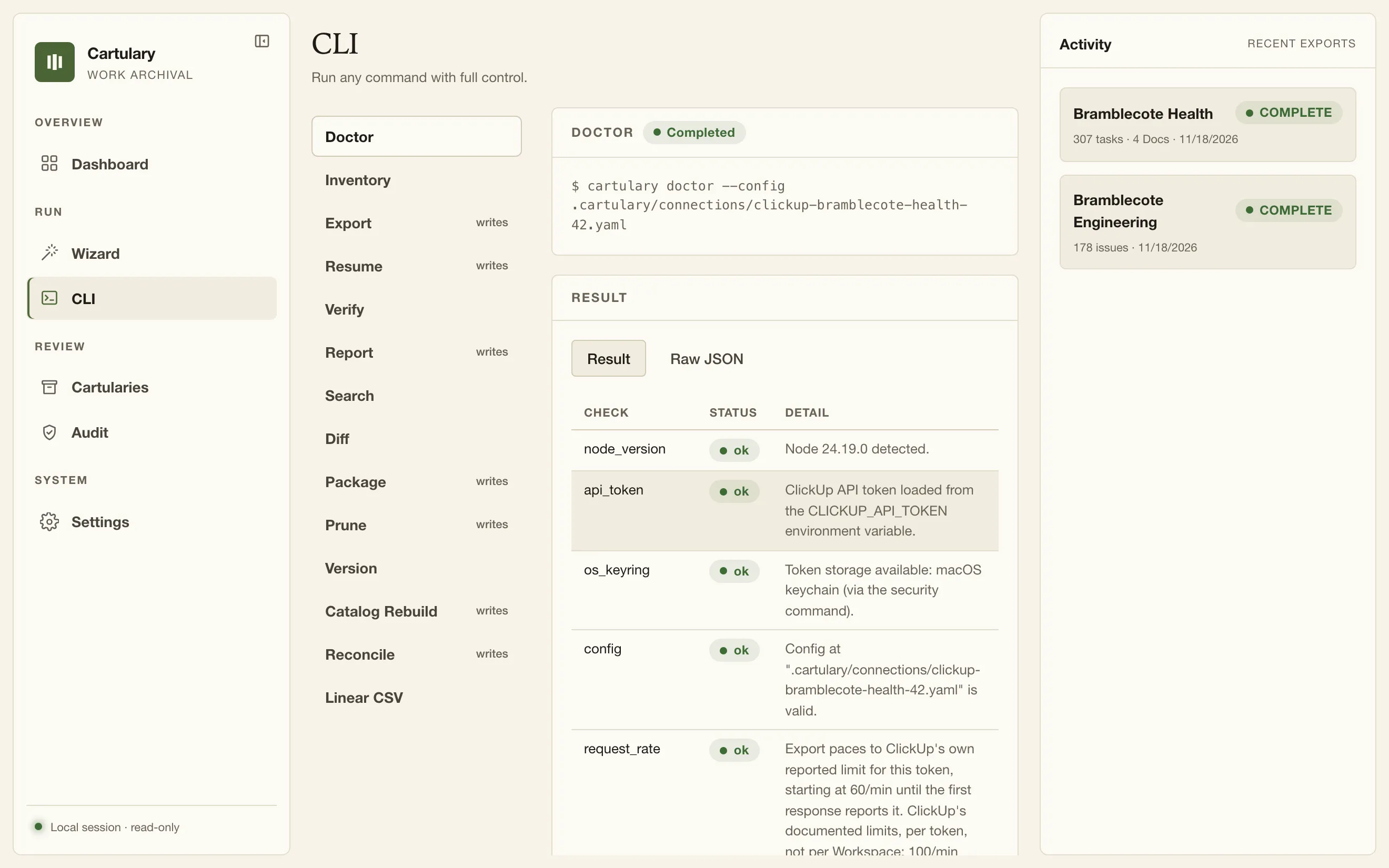
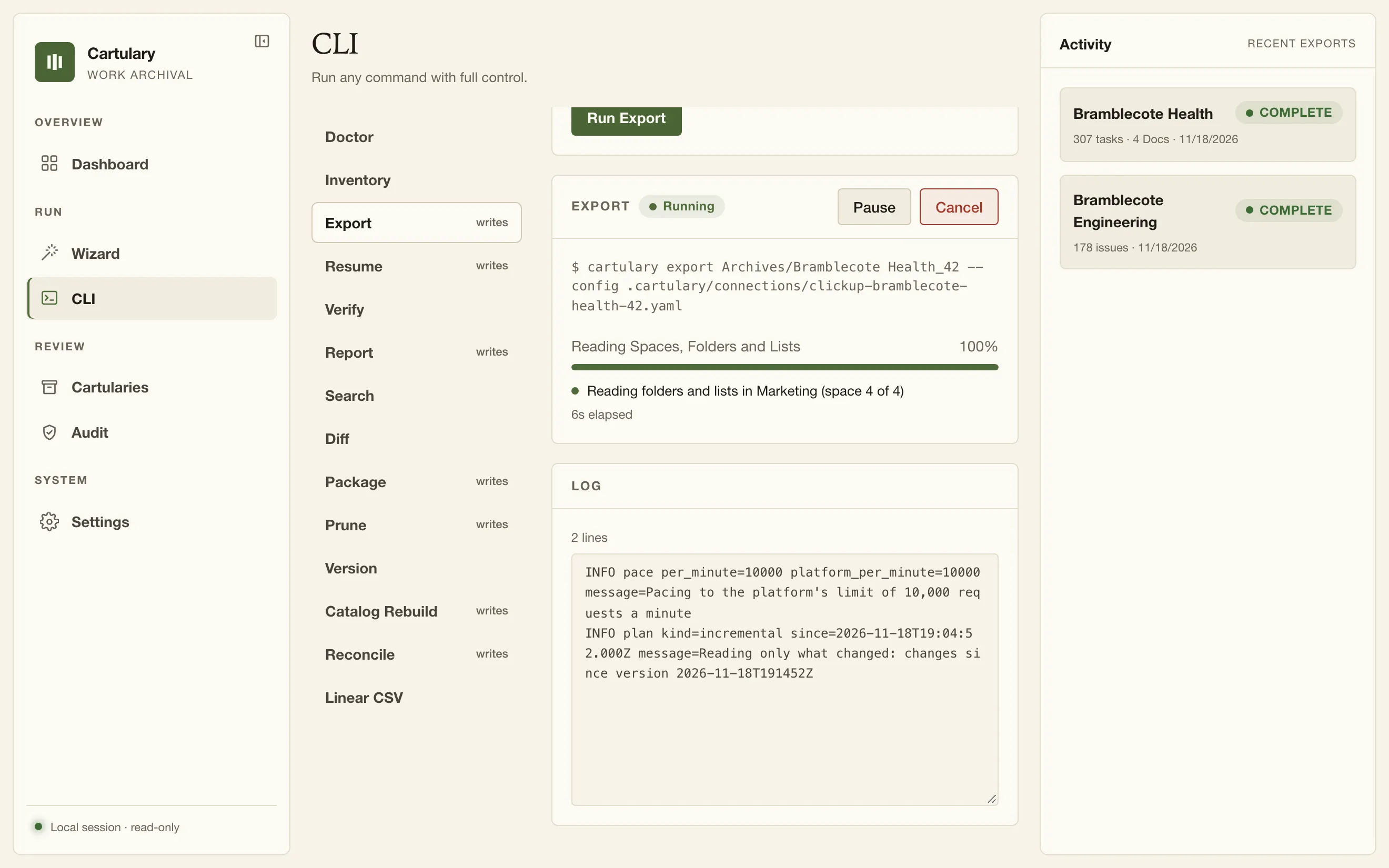
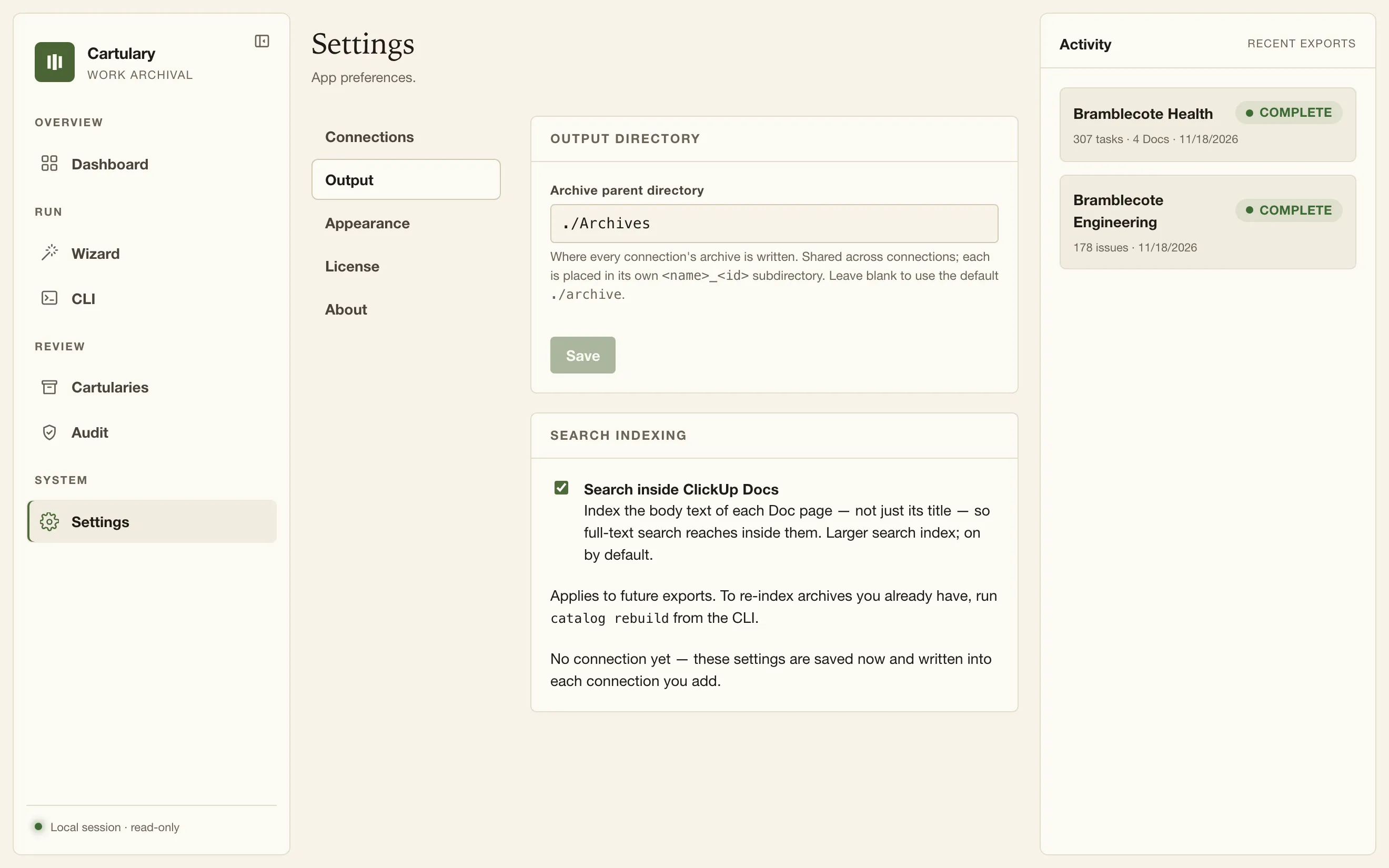
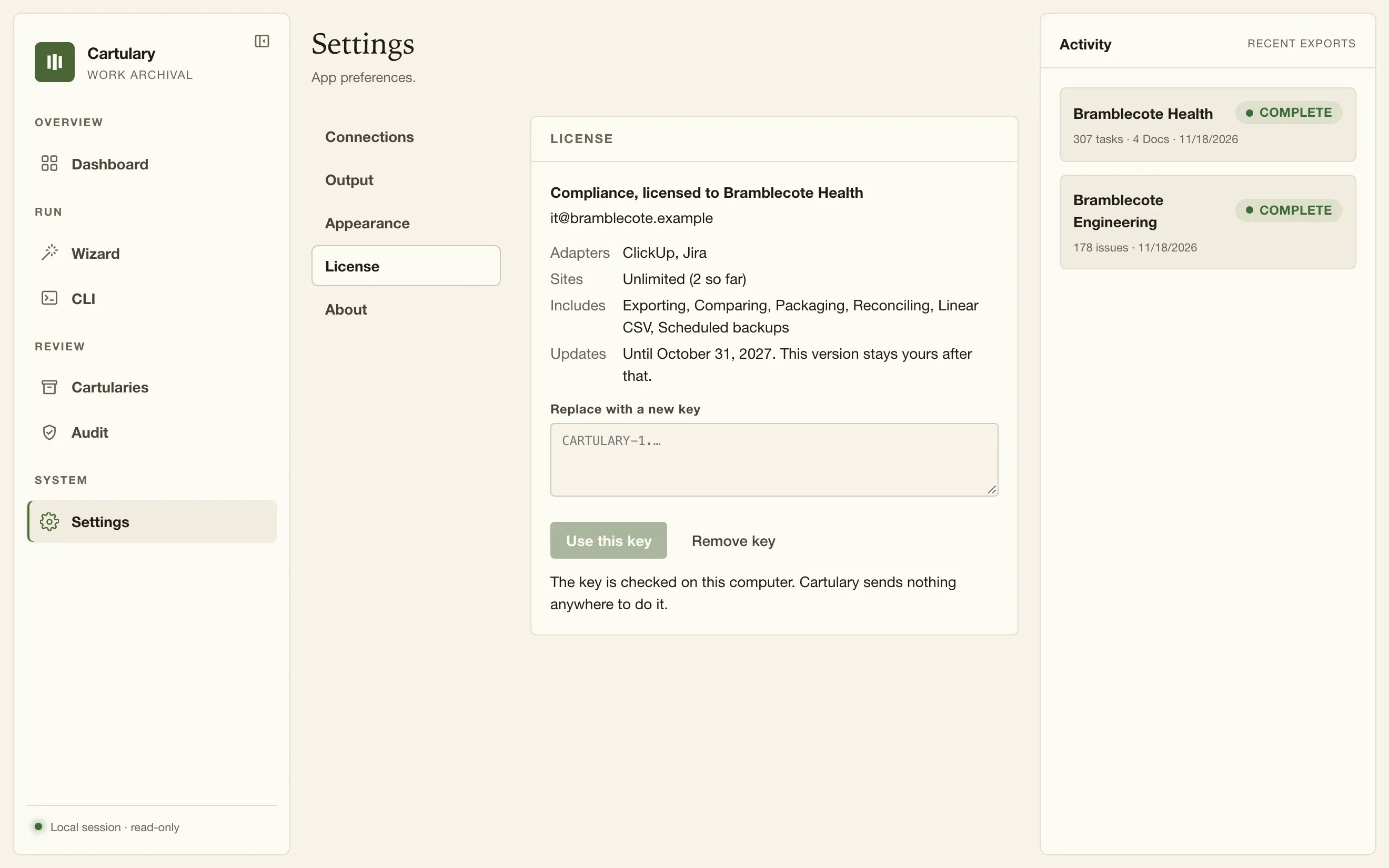
See it, screen by screen.
Captured from the real app. Switch any screen between light and dark.